 Mare
MareManual / Mare 0.22
Templates and today's note
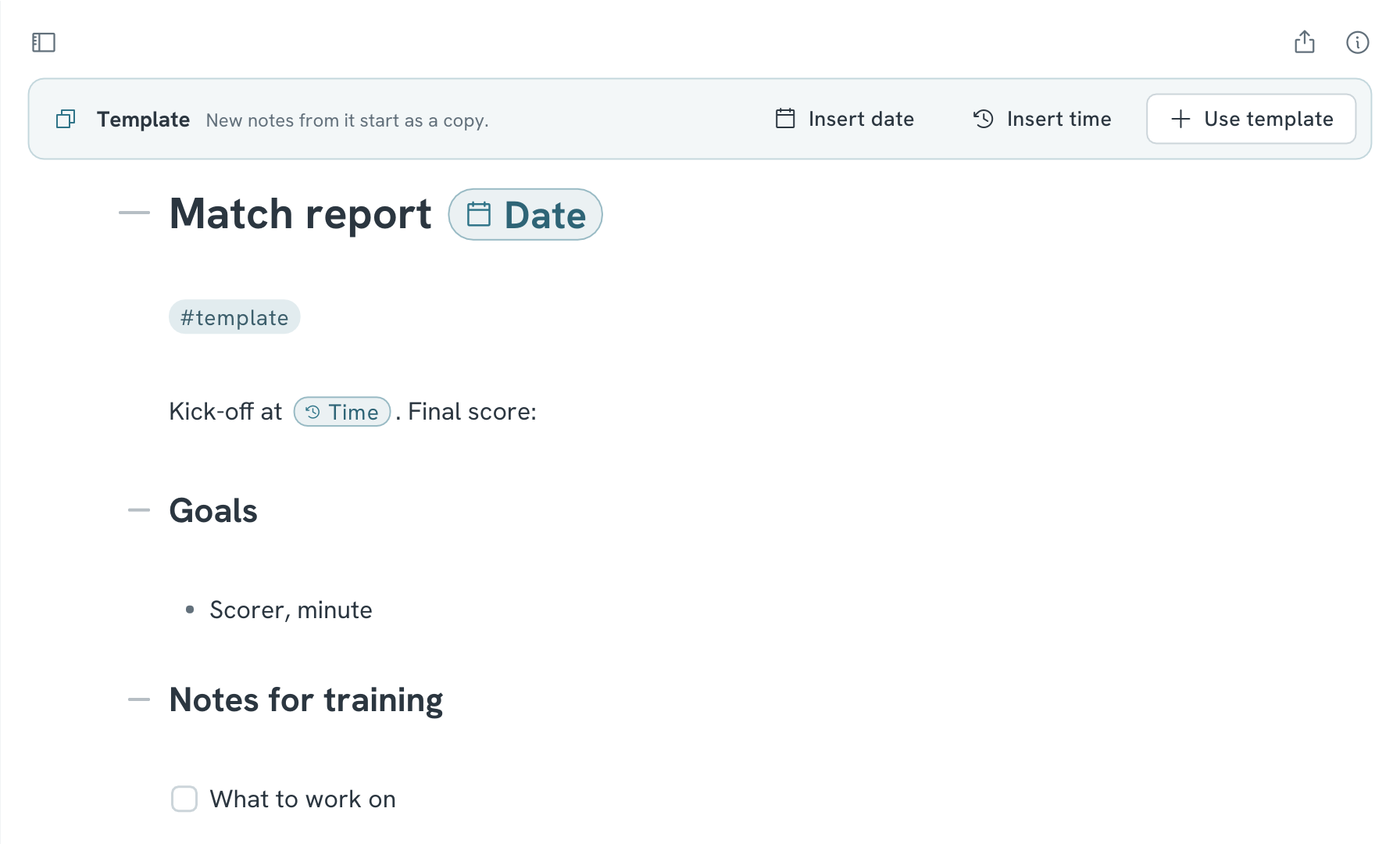
Any note tagged #template is a template. Nested tags count too, such as #template/meeting.
- To make a template, press Ctrl+K and choose New template. Or add
#templateto any note. - A template has a bar above it. Click Insert date or Insert time to put the date or time in. They show as pills, and the new note gets the date and time it was made, such as 2026-10-20 and 09:05.
- To start a note from a template, click Use template in its bar. Or press Ctrl+K, choose New from template and pick the template.
- The new note is a copy of the template, without the template tag.
- Pictures and tables come along, with their sizes, column types and options. Change them in the new note and the template stays as it was.
- You can also type
{{date}}and{{time}}yourself. Put the caret inside a pill to change it. - Press Ctrl+D to open today's note. The first time each day, Mare creates it. Its title is the date and it's tagged
#daily. - To give today's note a template, title a note "Daily template", or tag it
#template/daily. Today's note gets that note's text, below the date.