Mare
MareMare for iPhone and iPad
Mare on your iPhone and iPad
Get it on TestFlight until it's in the App Store. You get the same editor, tags, locked notes, history and sync as on the desktop.

Install it in three steps
Get TestFlight
Install Apple's free TestFlight app from the App Store.
TestFlight on the App StoreOpen the link
Tap Get it on TestFlight on your iPhone or iPad, or scan the code. TestFlight opens. Tap Accept.
Install Mare
Tap Install, then open Mare and create your first workspace. TestFlight installs new builds automatically.
The same Mare as on the desktop
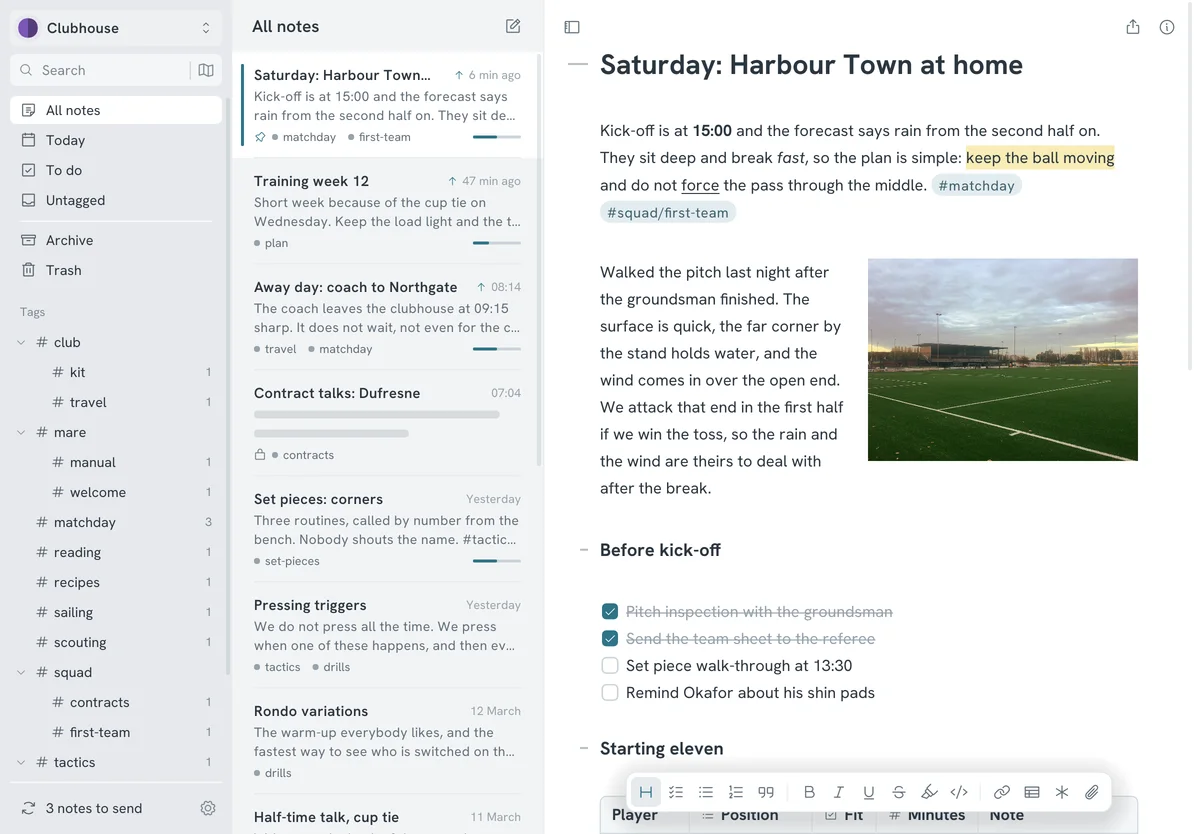
A phone shows one pane at a time and you swipe between them. An iPad shows the list beside the note. Sync a workspace and your notes from your computer open here unchanged.
Mare is stable. Apple hasn't approved it for the App Store yet, so you install it from TestFlight for now. When it's in the App Store, you can switch and your notes stay where they are. If something breaks, send feedback from TestFlight or email support@marenotes.ink.