 Mare
MareManual / Mare 0.21
Tags
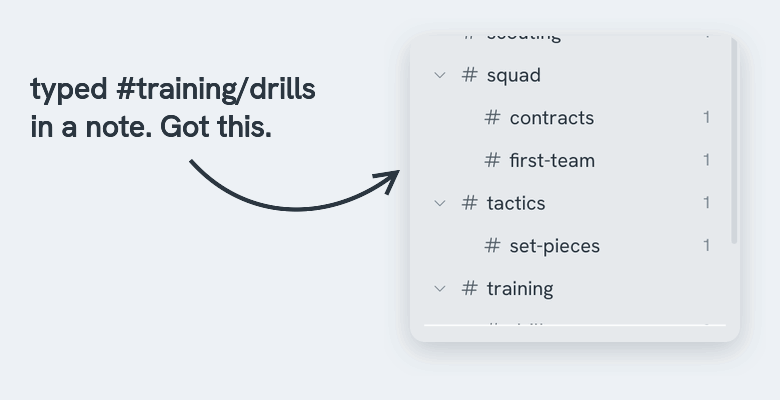
There are no folders. Type #work anywhere in a note and the note is filed under work. That's the whole system, and yes, it's enough. The sidebar builds a tree from the tags you type.
- A tag can have children:
#work/clientsshows under work in the sidebar - A tag with spaces needs a closing mark:
#summer trip# - A note can have as many tags as you like. It shows under each one
- Type
#→ Mare suggests the tags you already have - Rename a tag → right-click it in the sidebar. Mare updates every note that uses it
- Reorder tags → drag one up or down in the sidebar. It stays at the same level, because nesting comes from the tag's name
- Change how a tag looks → right-click it → Icon and colour. The colour shows in the sidebar and on every mention of the tag in your notes. Nested tags use their parent's colour until you give them one
- Order, icons and colours sync with your notes