 Mare
MareManual / Mare 0.21
Finding things
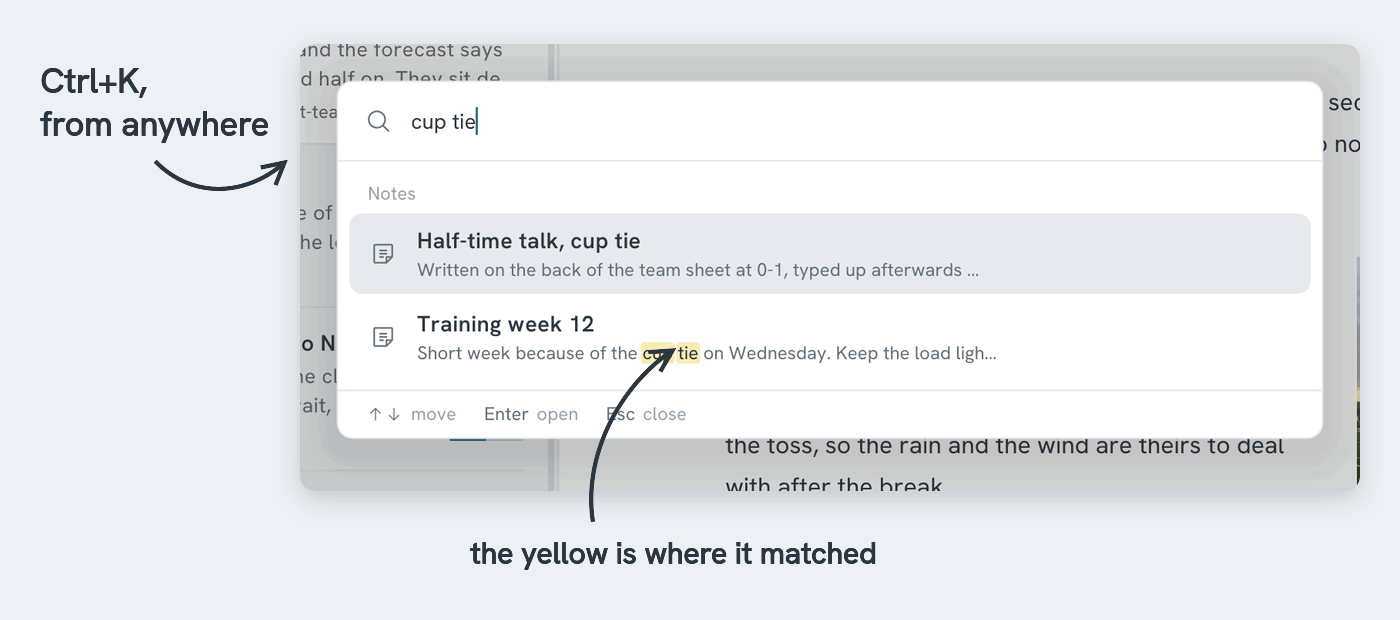
Ctrl+K searches every note. It checks titles first, then the text, and shows where it matched. Use the arrow keys to choose and Enter to open. Hold an arrow key to move quickly through a long list.
| Type | To find |
|---|---|
harbour lights |
notes with both words |
"harbour lights" |
that exact phrase |
harbour -lights |
harbour, but not lights |
#work |
notes with that tag |
@todo |
notes with open todos |
Ctrl+F searches inside the open note. Ctrl+H adds a second row for replacing, one at a time or all at once. One undo reverses a replace-all.
Ctrl+K does things too
The same field finds tags, themes, workspaces and commands. Type what you want and the results appear, grouped by kind. With nothing typed, it lists the notes you last worked on and every command.
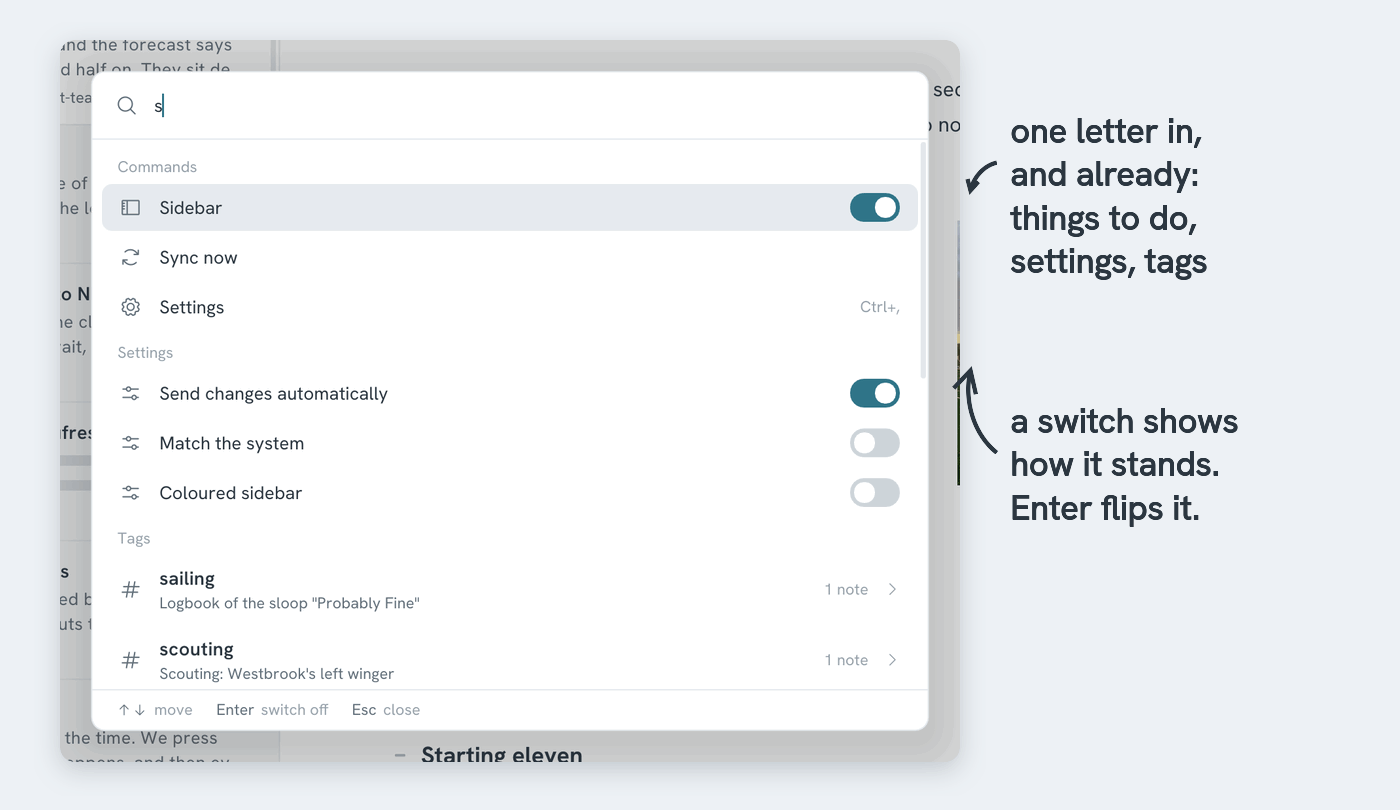
| Type | And Enter |
|---|---|
new |
starts a new note |
side, list |
shows or hides the sidebar or the note list. The switch shows which |
details |
opens the note's details: outline, links to it, history |
sync |
syncs now |
map |
shows your notes and their links as a map |
find, pin, export, lock |
does what the buttons and the right-click menu do |
| the name of a setting | toggles it right away. Try coloured or automatically |
| the name of a theme or a workspace | applies that theme, or switches to that workspace |
| the name of a tag | opens the tag (see below) |
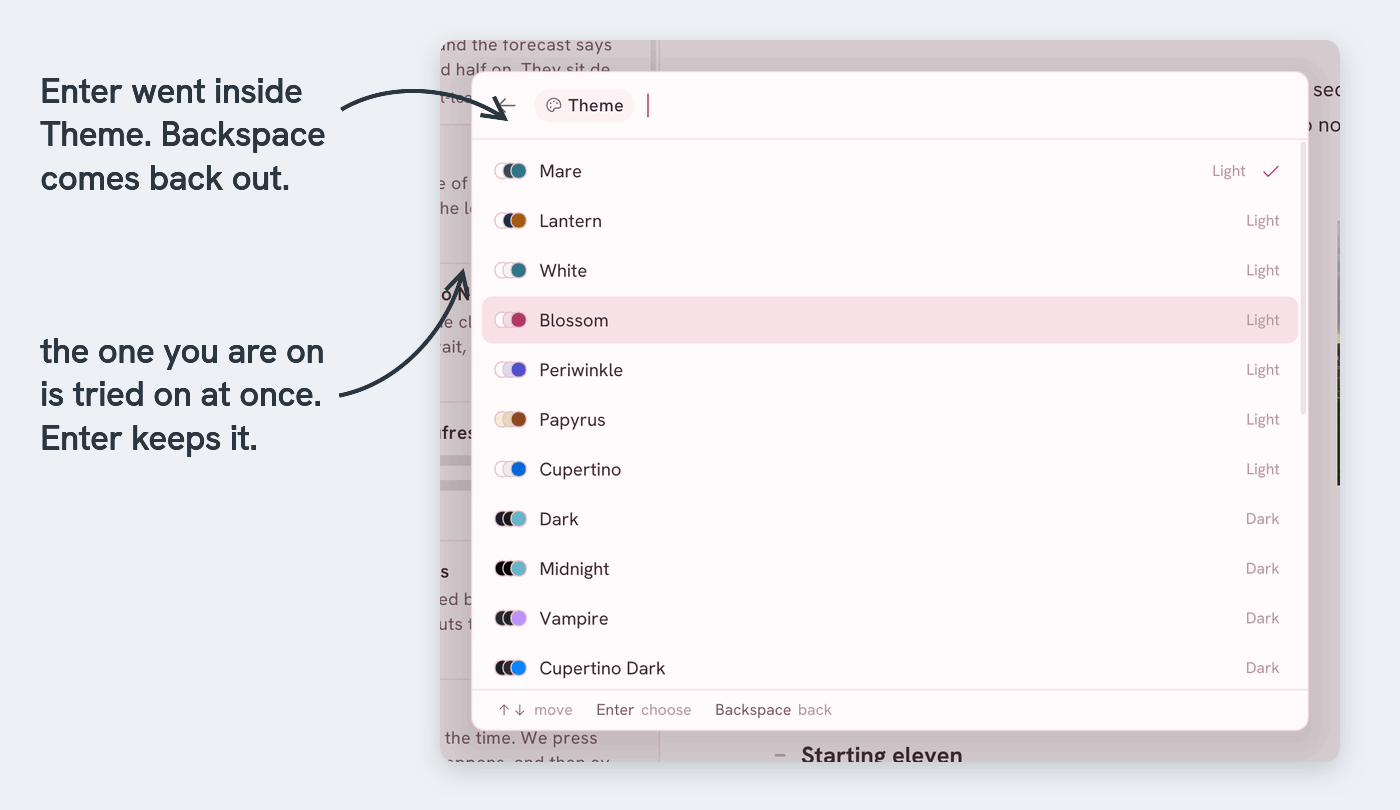
Some results have more inside. They have a small arrow at the end of their row. Press Enter to open one:
- A tag → its notes. Move through them with the arrow keys, or search. The first row shows the tag in the note list instead
- Tags → every tag you have
- Theme → every theme. Mare previews the selected theme on the whole app right away. Enter keeps it. Escape goes back to the old one
- Workspace → your other workspaces, and a way back to the start screen
- History → the earlier versions of the open note
Inside, typing searches only that list. Backspace in an empty field, or Escape, goes back out. The line at the bottom of the panel always says what Enter will do.