 Mare
MareManual / Mare 0.21
Locked notes
Some notes are nobody's business. Right-click a note → Lock note.
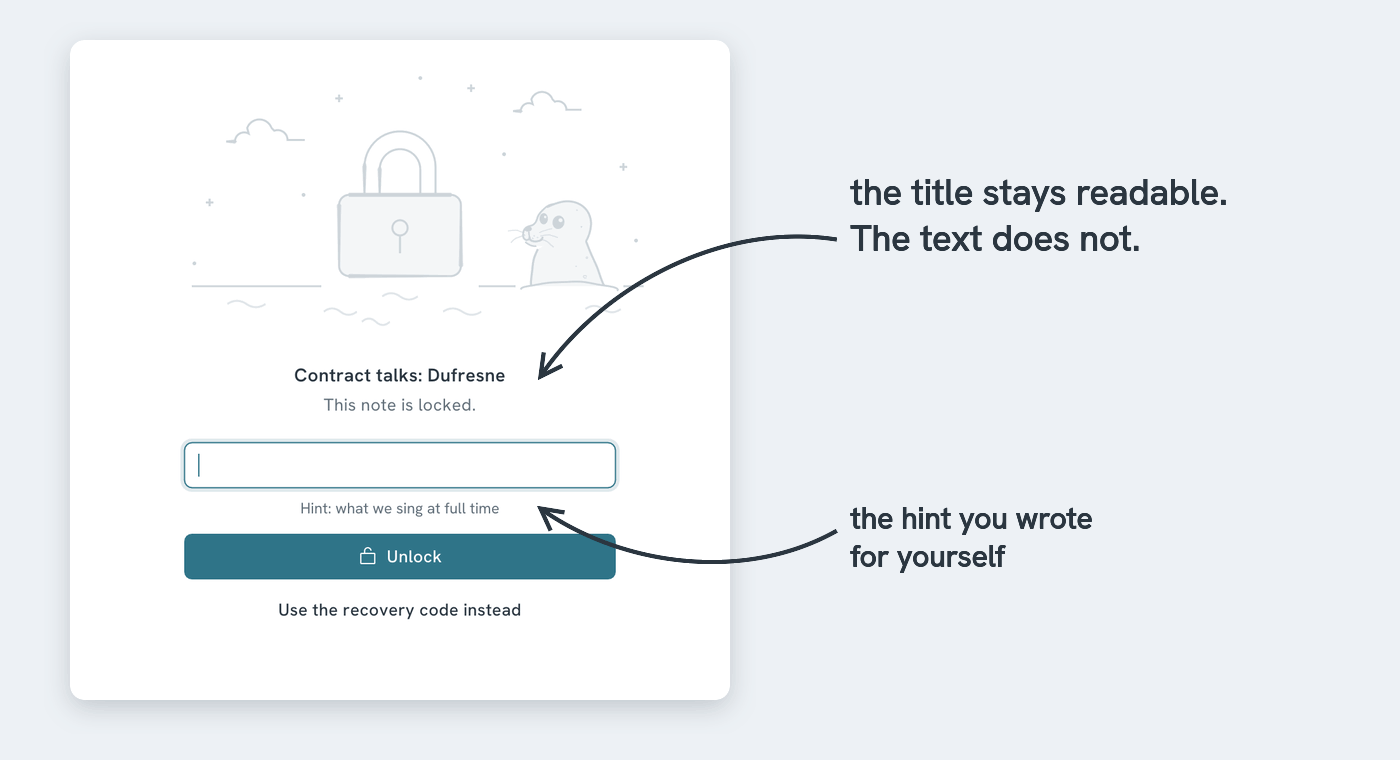
The first time, Mare asks for a password and a hint. Then it shows a recovery code, once. Write it down somewhere outside this workspace. It's the only way back in if you forget the password.
What locking does:
- The note's text and its attachments are encrypted, on this device and everywhere they sync to
- Its title and tags stay readable, so you can still find it. Don't put secrets in a title
- Which notes it links to stays readable too, so the map and the backlinks stay correct while it's locked. The text of the links is encrypted
- In the list it shows as grey bars with a small lock
- One password unlocks every locked note in the workspace, until they lock again
They lock again when you leave the workspace, after ten minutes without activity (Settings → Locked notes), or right away when you click the open lock at the top right.