 Mare
MareNotes that get out of your way, on Windows, Linux and macOS
Mare is a notes app for Windows, Linux and macOS. It's native and stupid fast: no Electron, no web view. Your notes are yours to keep. There's no lock-in and no account, and you sync with git, Google Drive or wherever you like.




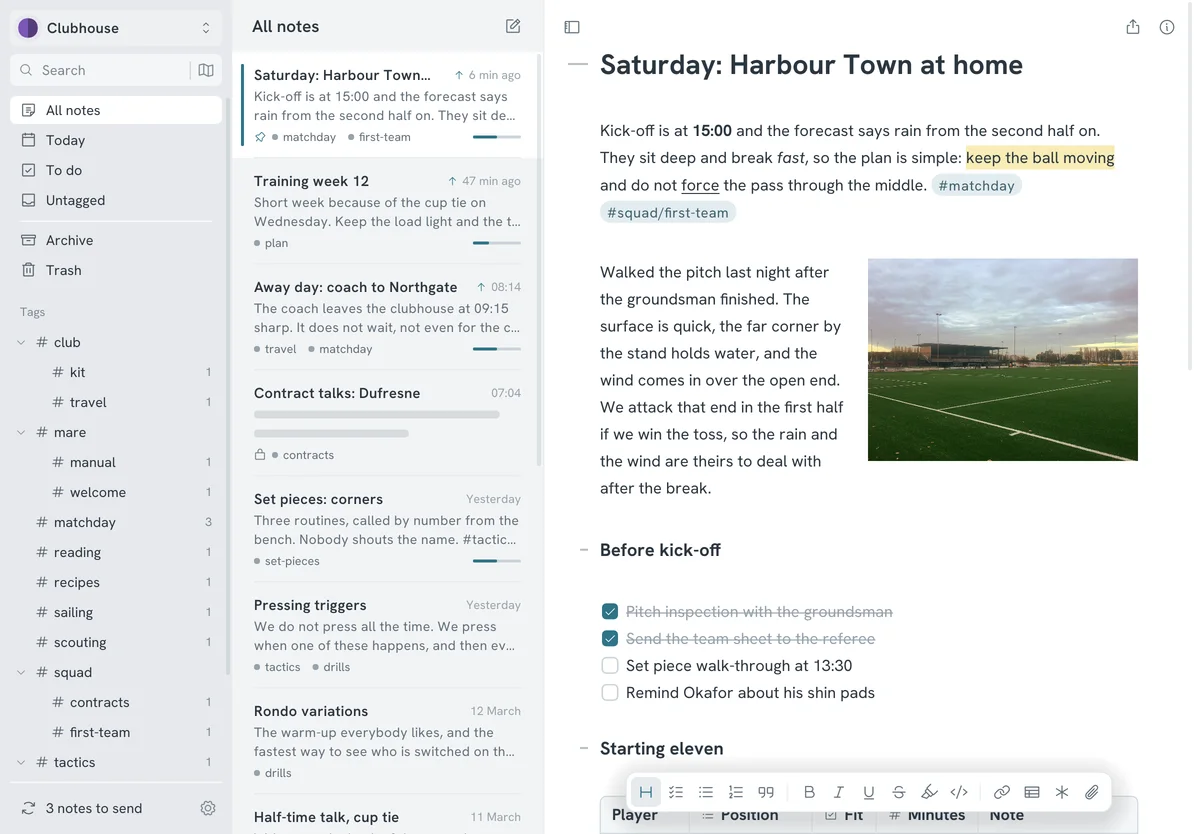
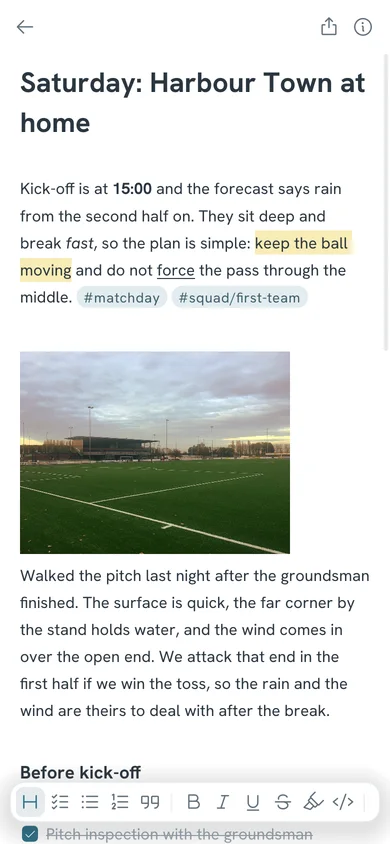
The editor, with markdown styled as you type 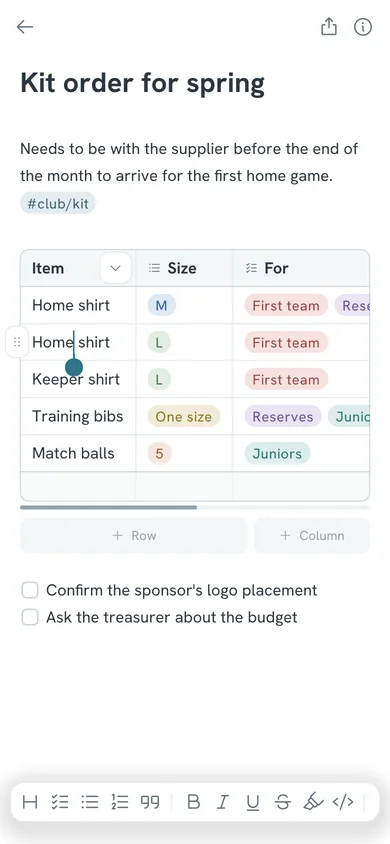
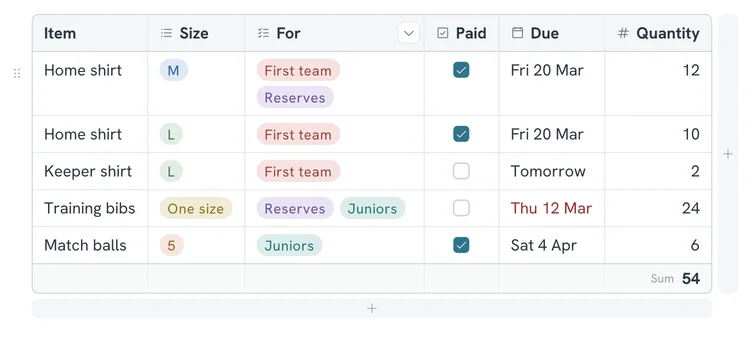
A table with dropdowns, checkboxes, dates and numbers 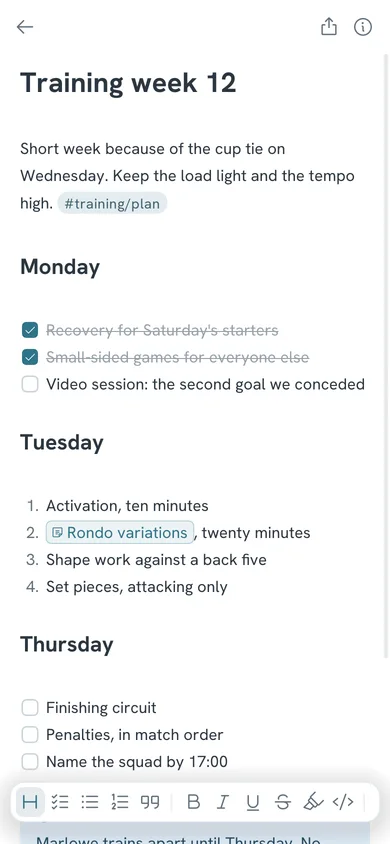
Todos, lists, note links and callouts 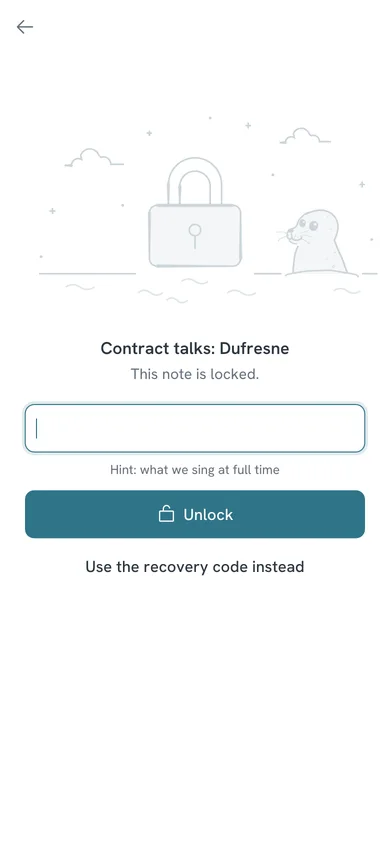
A locked note, encrypted until you unlock it 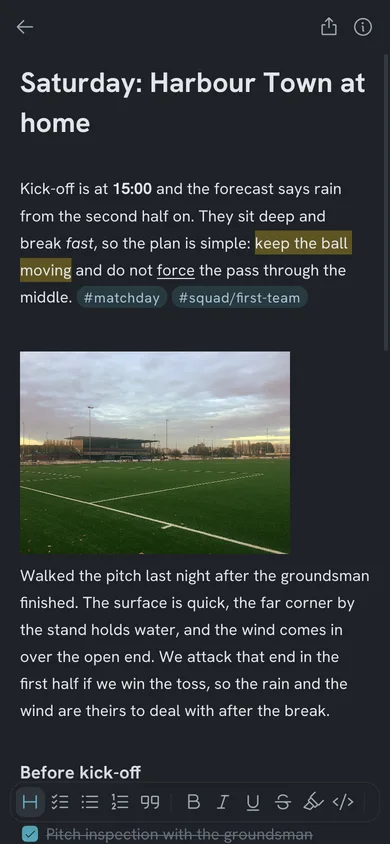
The same note in the Dark theme
Stupid fast, and it stays that way
No browser inside
Mare is written in Go and draws its own interface. There's no Electron and no web view, so there's no page to load before you can type.
Asleep until you type
Mare redraws the window only when something changes. An open note you're not touching uses no CPU.
One file to run
Fonts, icons and the editor come in one file. There's no runtime to install, no background service and no account.
A look around
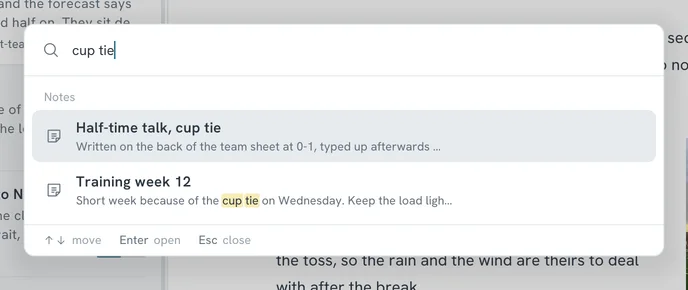
Ctrl+K finds any note and shows where it matched.
A column can hold dropdowns, checkboxes, dates or numbers. How tables work
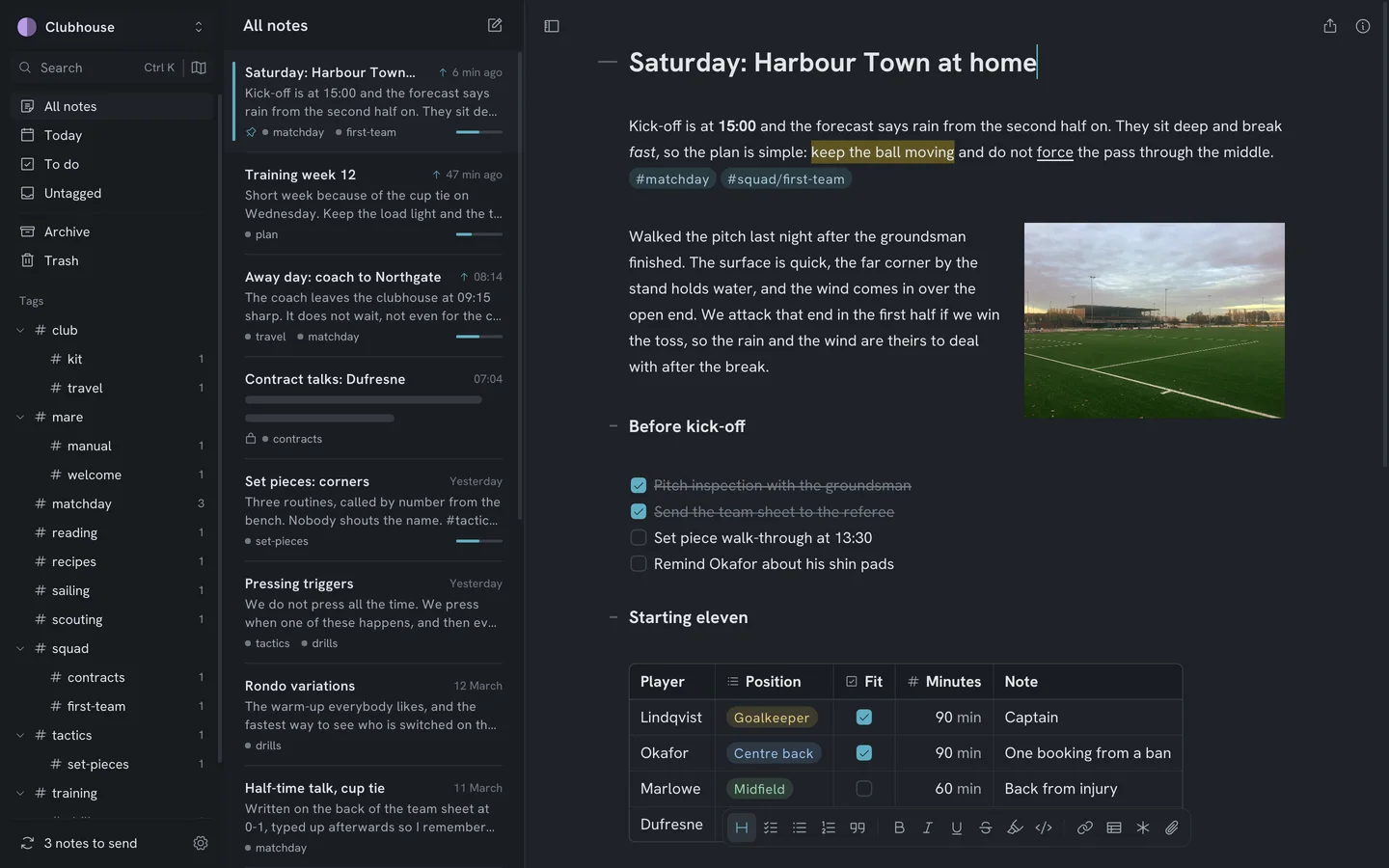
22 themes. Pick Dark and the whole app goes dark.
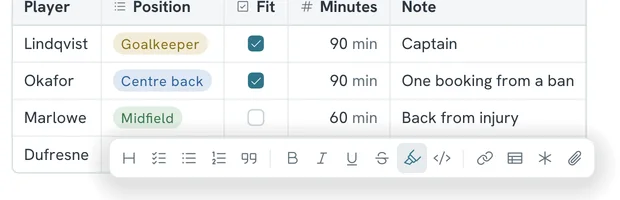
The formatting bar stays at the bottom of the page, one click away. 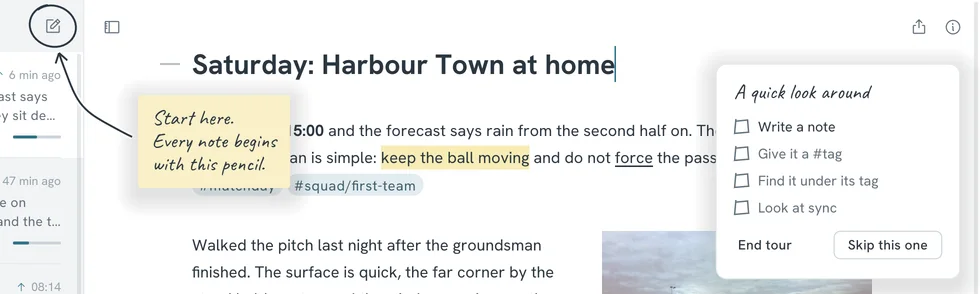
New here? A one-minute tour shows you around and ticks things off as you try them.
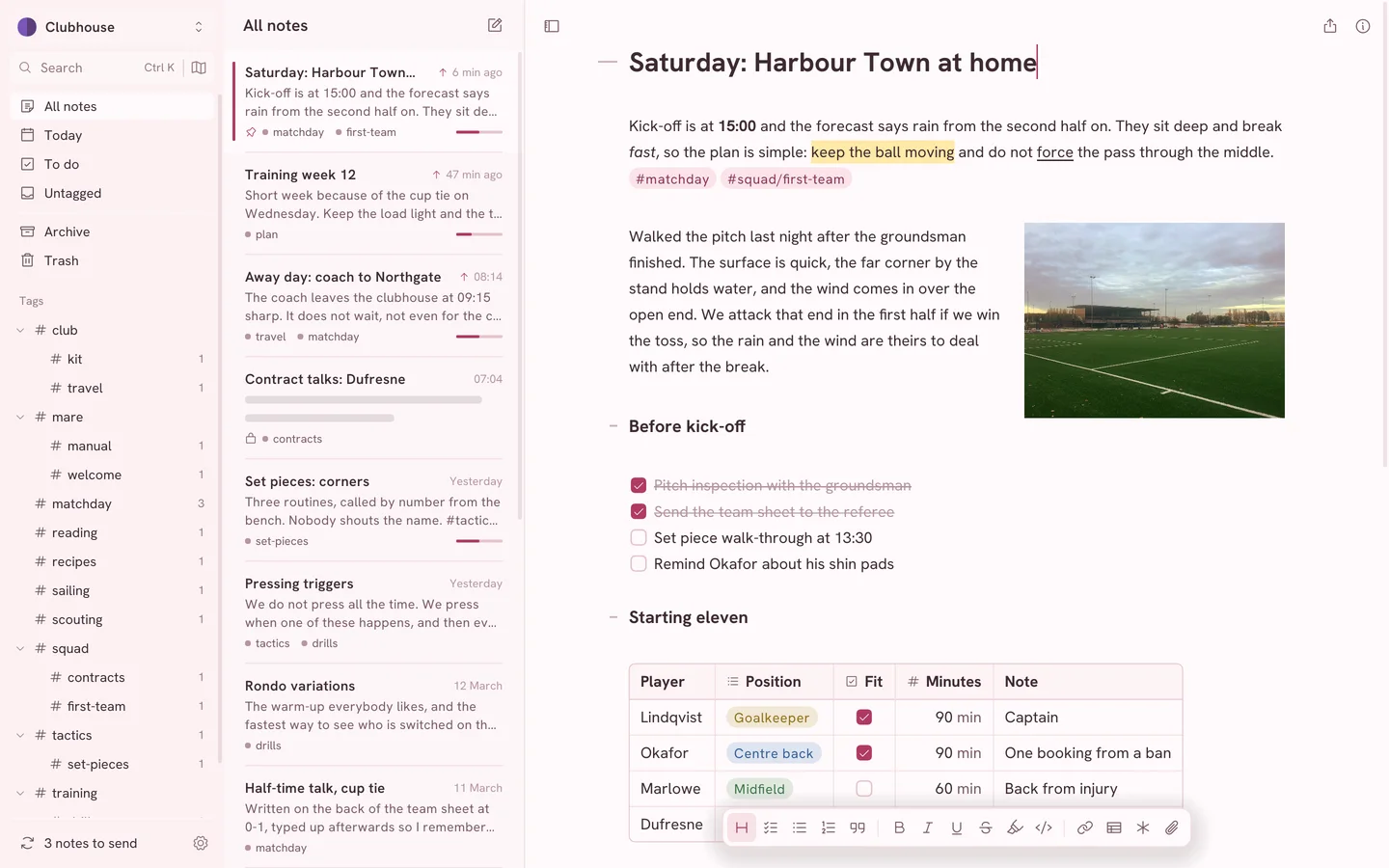
Blossom 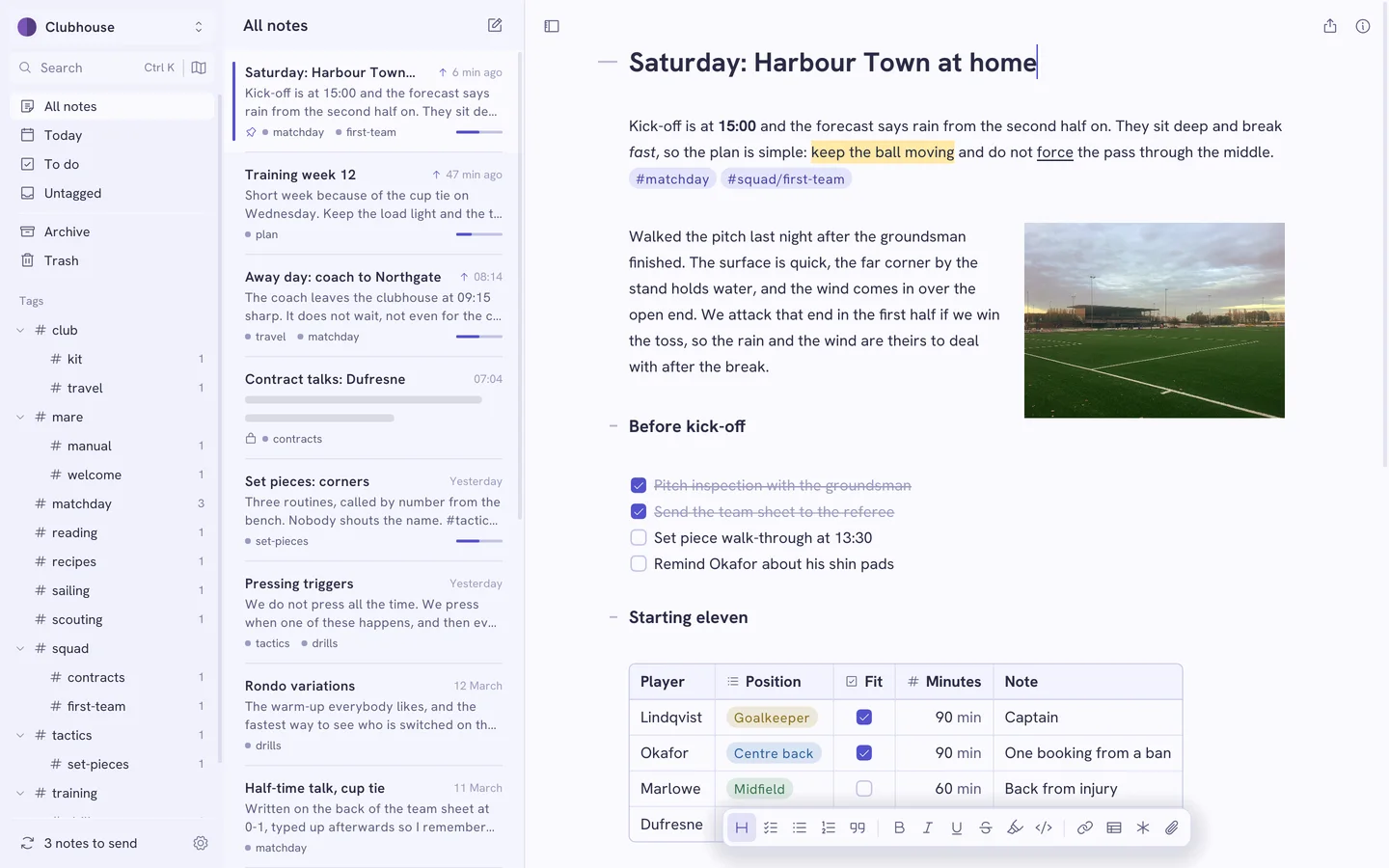
Periwinkle 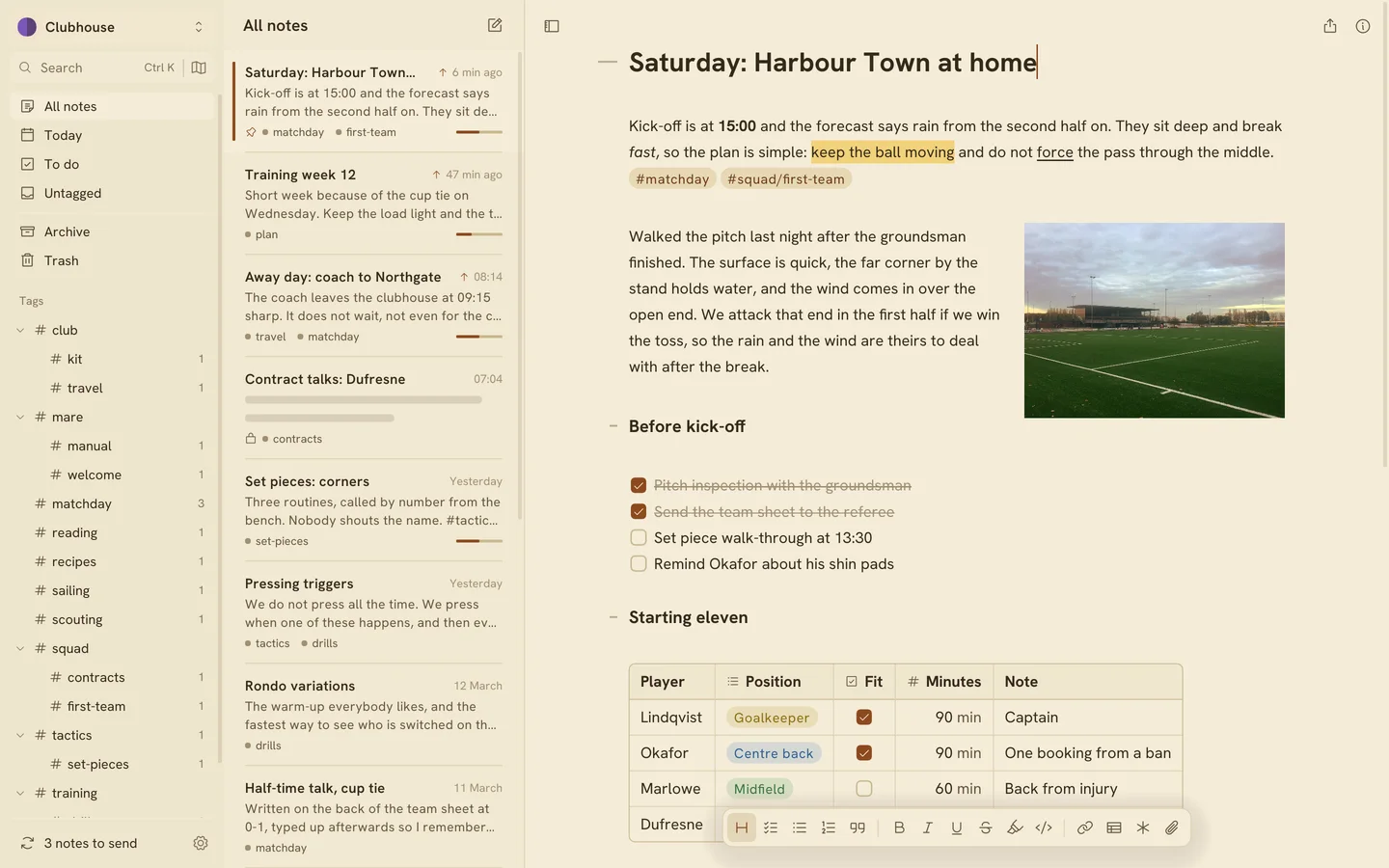
Papyrus 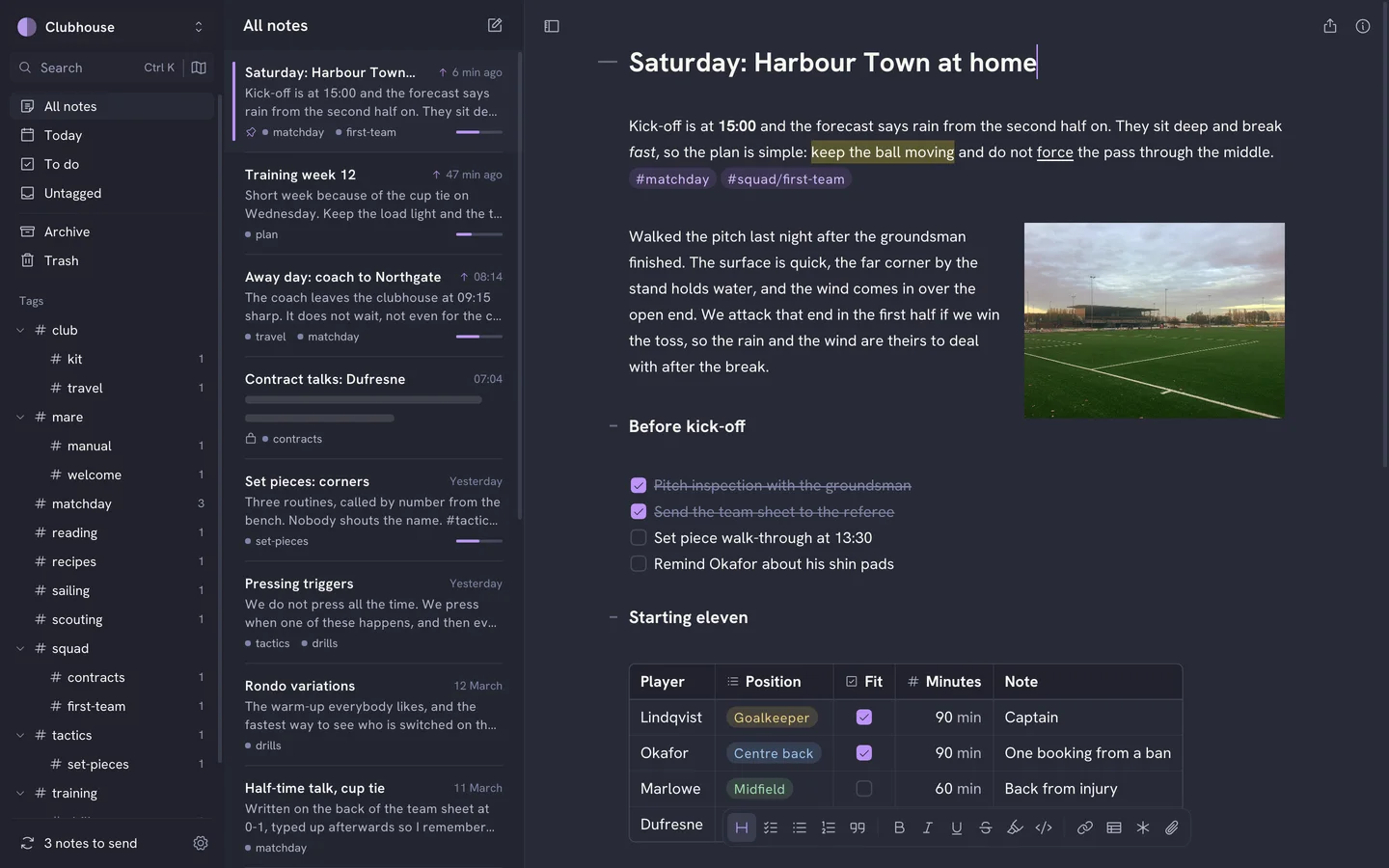
Vampire
What it does
- Live markdown
- Mare styles headings, bold, italic, underline, strikethrough, highlight, code, links and tags as you type. The markdown markers stay hidden until you put the caret inside them. The formatting bar is at the bottom of the page.
- Blocks
- Nested lists that renumber automatically, todos, quotes, callouts, code blocks with syntax highlighting, footnotes and headings you can fold.
- Tables with dropdowns, checkboxes, dates and numbers
- A column can hold a dropdown, a checkbox, a date or a number. Choices show as coloured pills, and a number column shows its sum underneath. Sort the rows by any column. In the file, it's still a plain markdown table. Tables in the manual
- Tags as folders
- Type #tag or #nested/tag anywhere in a note. Mare builds the sidebar tree from your tags, so you file a note by typing a word. Drag tags into your own order and give each one an icon and a colour.
- Links between notes
- Type [[ to link to another note. Rename a note and every link to it updates. The note you came from stays beside the new one, so you can click back. The graph shows all your notes and the links between them.
- Pictures and files
- Drop or paste images and files into a note. You can resize and align images, wrap text around them, and put them side by side or in a table cell. Click an image to see it large.
- Search, replace and commands
- Ctrl+K finds notes, tags, themes and commands. You can change a setting from it without opening Settings. Ctrl+H replaces text in a note, one match at a time or all at once. One undo reverses all of them. Don't like a shortcut? Change it in Settings.
- PDF export
- Export any note as an A4 PDF. Add a front page and a clickable table of contents if you want them. Text stays selectable, and images, tables, code and diagrams are included.
- Themes and type
- Pick from 22 themes, light and dark, or let Mare follow your system. Set the text column to Narrow, Normal, Wide or Full. Choose your editor font, including OpenDyslexic.
- Diagrams and previews
- A mermaid code block renders as a diagram. Click it to edit the code. Put a web address on its own line and Mare can show it as a card with the page's title and image.
- Several workspaces
- Keep work, home and the club apart. Switch between workspaces at the edge of the sidebar. Each workspace has its own small flag.
Sync is built in, and you pick where
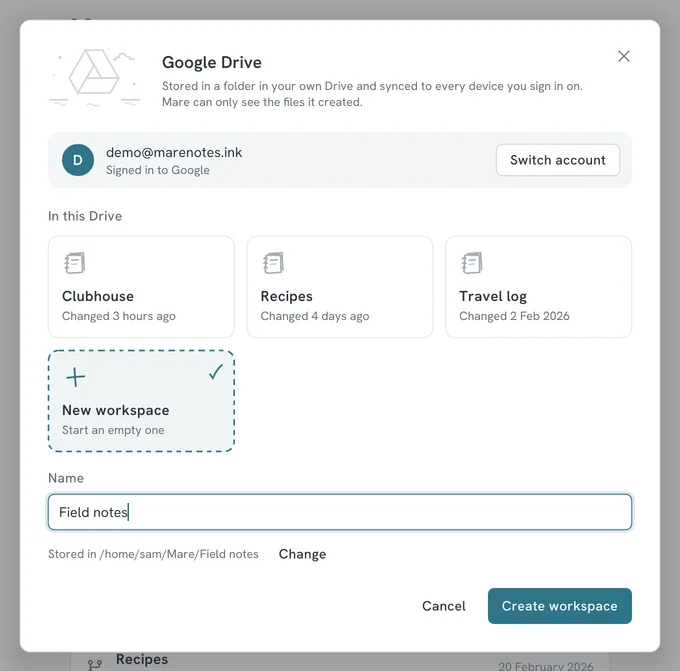
Google Drive, with nothing to set up
Sign in with Google and Mare creates a folder for the workspace in your own Drive. Mare asks for the narrowest permission there is: it can only see the files it put there itself. One account holds any number of workspaces. On a second computer, sign in and pick one from the list.
Or your own storage
Use a git remote, a folder on a USB stick or a network share, an SFTP server or an S3 bucket. For git, one button creates an SSH key for your computer and copies it, ready to paste into your git host.
Nothing in between
There's no Mare account and no Mare server. Your notes go straight from your computer to the place you picked. Sign-in details stay in your computer's keychain.
Conflicts merge automatically
That covers changes to different notes, and to different parts of one note. For pins, archive and trash, the newer change wins. An edit always beats a delete, so emptying the trash on one computer never deletes work from another.
Share a workspace
Give someone access to the place the workspace syncs with and they can open it on any system. Mare keeps every sync, so you have a history to read and a way back if something goes wrong.
The privacy policy says exactly what Mare does with Google data.
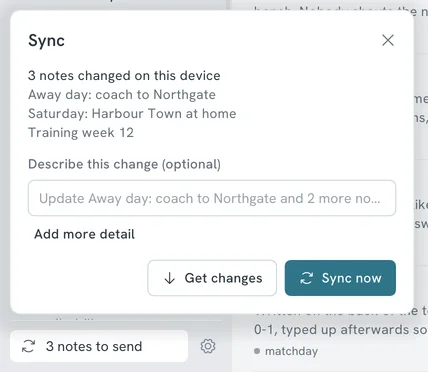
Google Drive: sign in, then pick a workspace or name a new one.
Three notes to sync, one button.
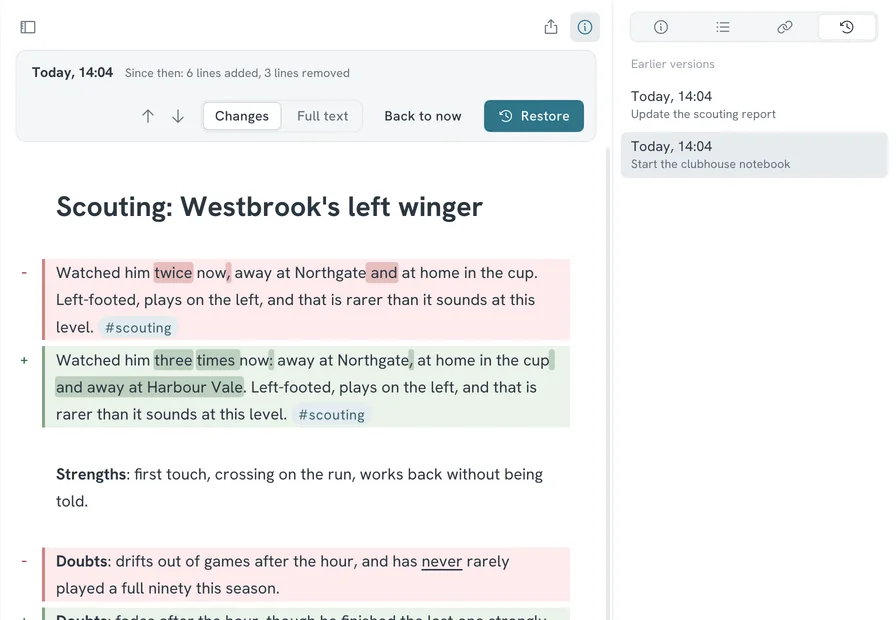
Red was removed, green was added.
Every sync keeps the old version
Each time you sync, Mare keeps the previous version of the note. You'll find them all under the clock tab in the info panel.
See what changed
Pick a version to compare it with the note as it is now. Removed lines are red, added lines are green, and changed words are marked inside the line. You can also read the old version as it was.
Restore with one button
One button brings the old version back. Undo reverses the restore.
Drag through time
The timeline under the note has a mark for every earlier version. Drag along it to watch the note change.
One version per sync
History has one entry per sync. If you never sync, there's no history.
Lock the notes that need it
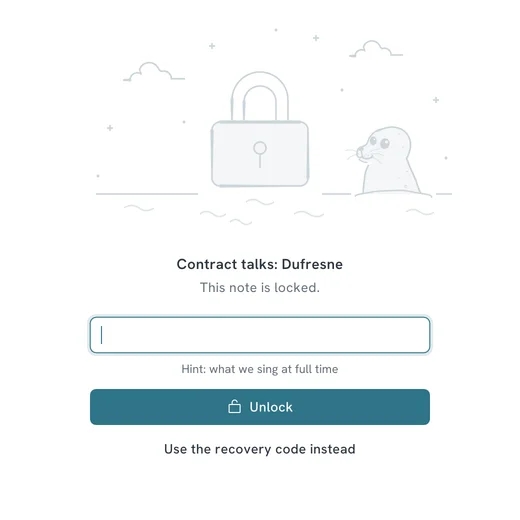
Right-click any note and lock it. From then on Mare stores it encrypted, on your computer and everywhere it syncs to. The place you sync with only ever sees ciphertext.
One password per workspace
Unlock one locked note and they all unlock until you lock again. Mare locks them again after 10 idle minutes, and always when the workspace closes. You can change the 10 minutes.
Still easy to find
Titles and tags stay readable, so you can still find and file a locked note. The text doesn't. The note list shows a skeleton, and search only finds the text while the note is unlocked.
A way back in
When you set the password, Mare shows a recovery code once. Keep it for the day you forget the password. The password itself is never stored anywhere.
What's encrypted, exactly
The text of the note and its attachments. Mare uses Argon2id for the password and XChaCha20-Poly1305 for the contents. Titles, tags and file names stay readable on purpose.
The title stays readable. The text doesn't.
Why we made Mare
Most notes apps ask you to give something up. Some lock you into one company's devices and one company's cloud, with no way to take your notes out. Others are a web page wrapped in a window, and feel heavy before you've typed a word.
We think a notes app can be powerful, free and light. Mare is free and native on Windows, Linux and macOS. It stays idle until you type and keeps your notes as plain files in a place you choose.
Download Mare
Free. One file per system, and no sign-up.
Pick your system to see the stable and nightly builds.
Questions people ask
- Is Mare free?
- Yes. Mare is free to download and use on Windows, Linux and macOS. You don't need an account and there's no subscription.
- Where are my notes stored?
- In a folder on your own computer. Every note is one plain markdown file. Your pictures and files are in a folder next to them. A small database holds what a text file can't, such as pins. You can open the notes in any text editor, without Mare.
- Does Mare work offline?
- Yes. Your notes are on your own disk, so you can read, write and search without a connection. Mare goes online to sync, to check for an update and to load what you ask for from the web, such as a link preview.
- How do I sync notes between computers?
- Pick a place for the workspace to sync with: Google Drive, a git remote, a shared folder, an SFTP server or an S3 bucket. On the second computer, add the workspace from that same place. There's no Mare server in between.
- Is there a Mare app for iPhone, iPad or Android?
- Yes. Mare for iPhone and iPad is on TestFlight until it's in the App Store. Mare for Android is an APK until it's on Google Play. Both sync with the same workspaces as the desktop app. You'll find them under Download.
- Can I lock a note with a password?
- Yes. Right-click a note and lock it. Mare then stores its text and attachments encrypted, on your computer and everywhere the workspace syncs to. Titles and tags stay readable so you can still find the note.
- What happens to my notes if I stop using Mare?
- Nothing. They stay where they are, as markdown files in a folder that any editor can read. The one exception is locked notes. You need Mare and your password to open those.
- Does Mare use Electron?
- No. Mare is written in Go and draws its own interface. There's no Electron and no web view inside. That's why it starts fast and stays idle when you're not typing.
The manual has more. There's also a page each for Windows, Linux and macOS.
From the logbook
Extras /
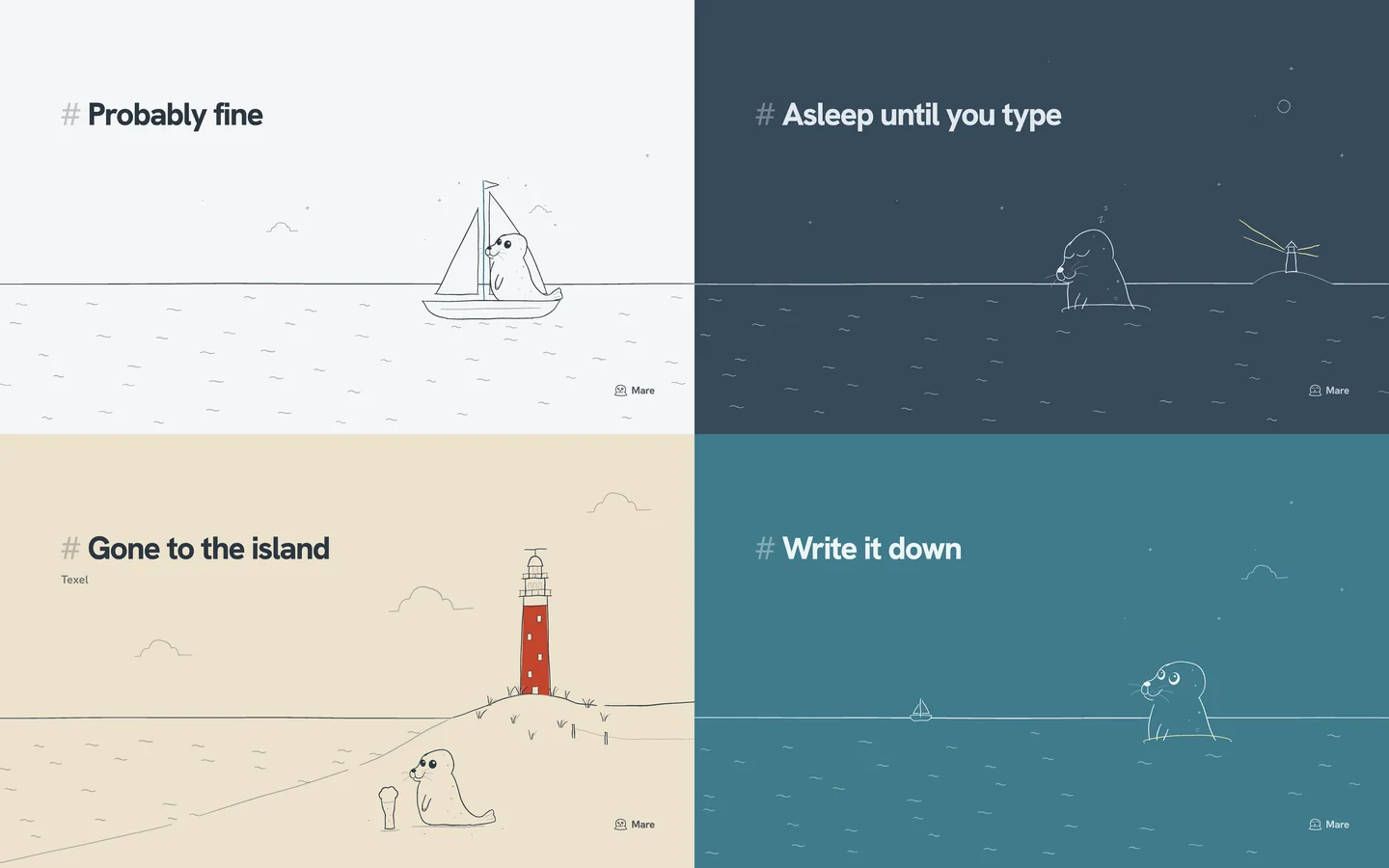
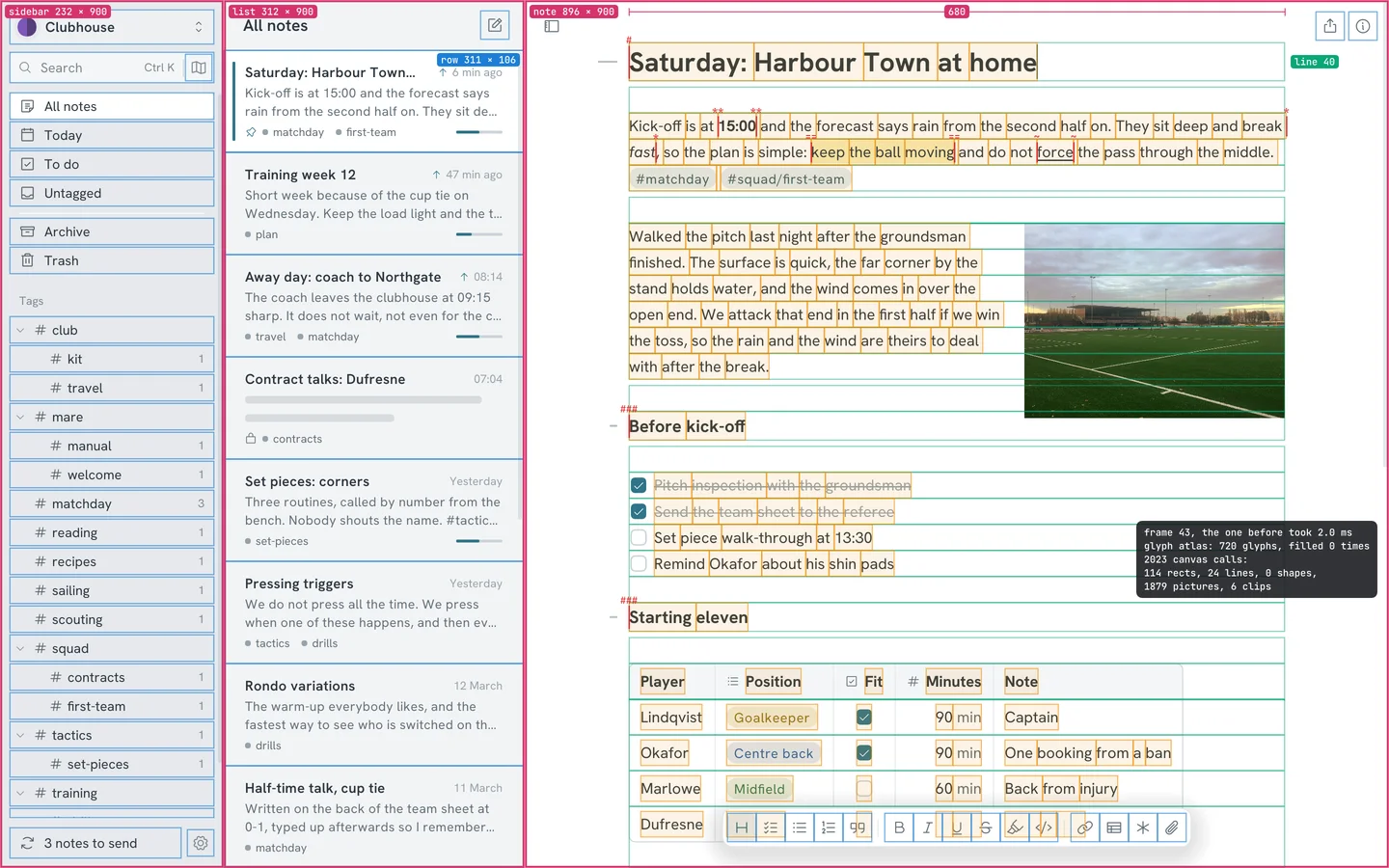
Wallpapers for your desktop, iPad and iPhone
Seven wallpapers for desktop, iPad and iPhone, in light, dark and colour, with or without a line of text. Free, and drawn in the same hand as the sea on this site.
Behind the app /
One Go codebase on five systems
How Mare draws its own interface, sleeps when nothing happens and runs the same code on Windows, Linux, macOS, iOS and Android.
Comparison /
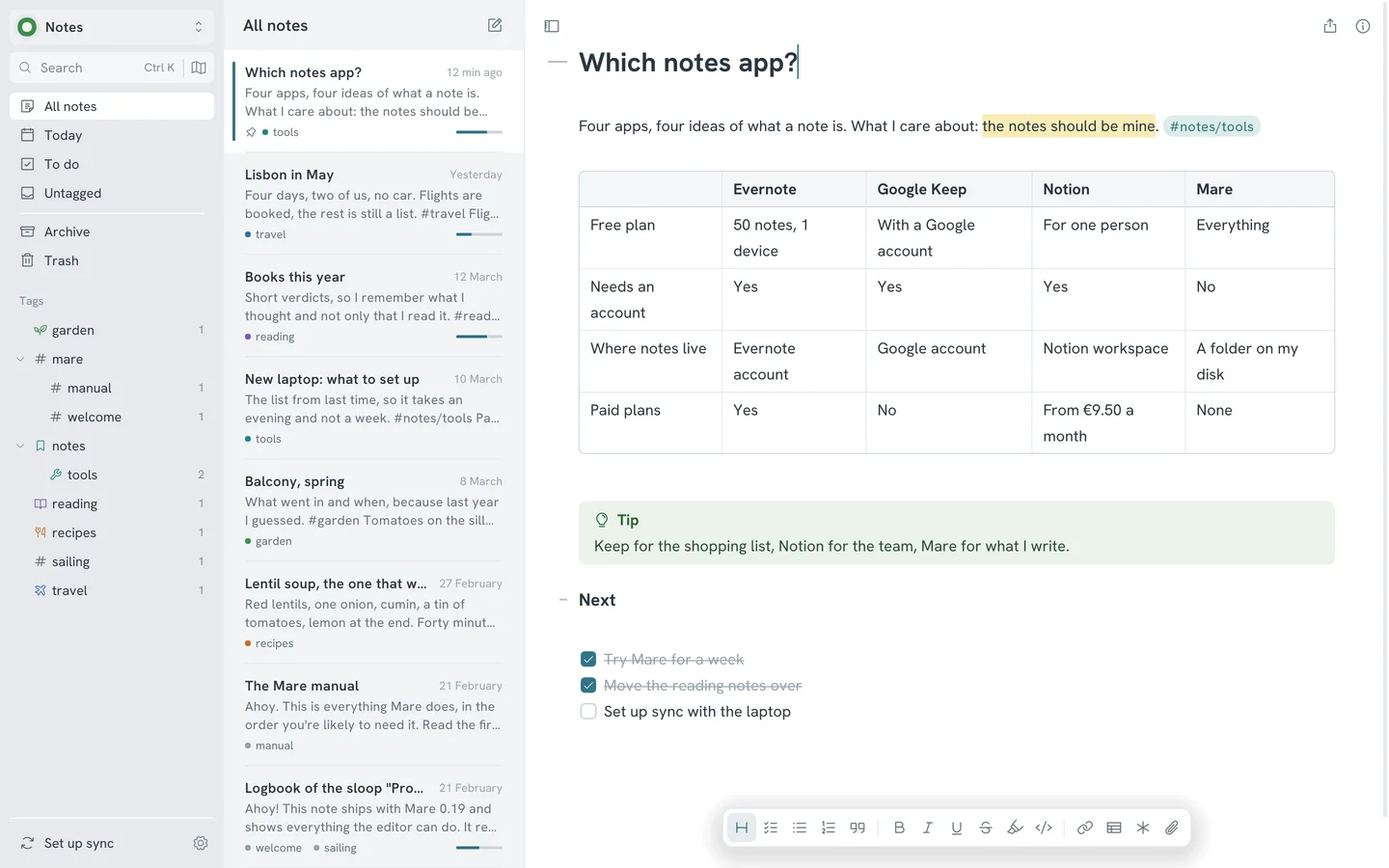
Evernote, Google Keep, Notion or Mare: which one fits you
Four notes apps built on four different ideas. What each costs, where your notes end up, and why we think a notebook should belong to the person writing in it.
Guide /
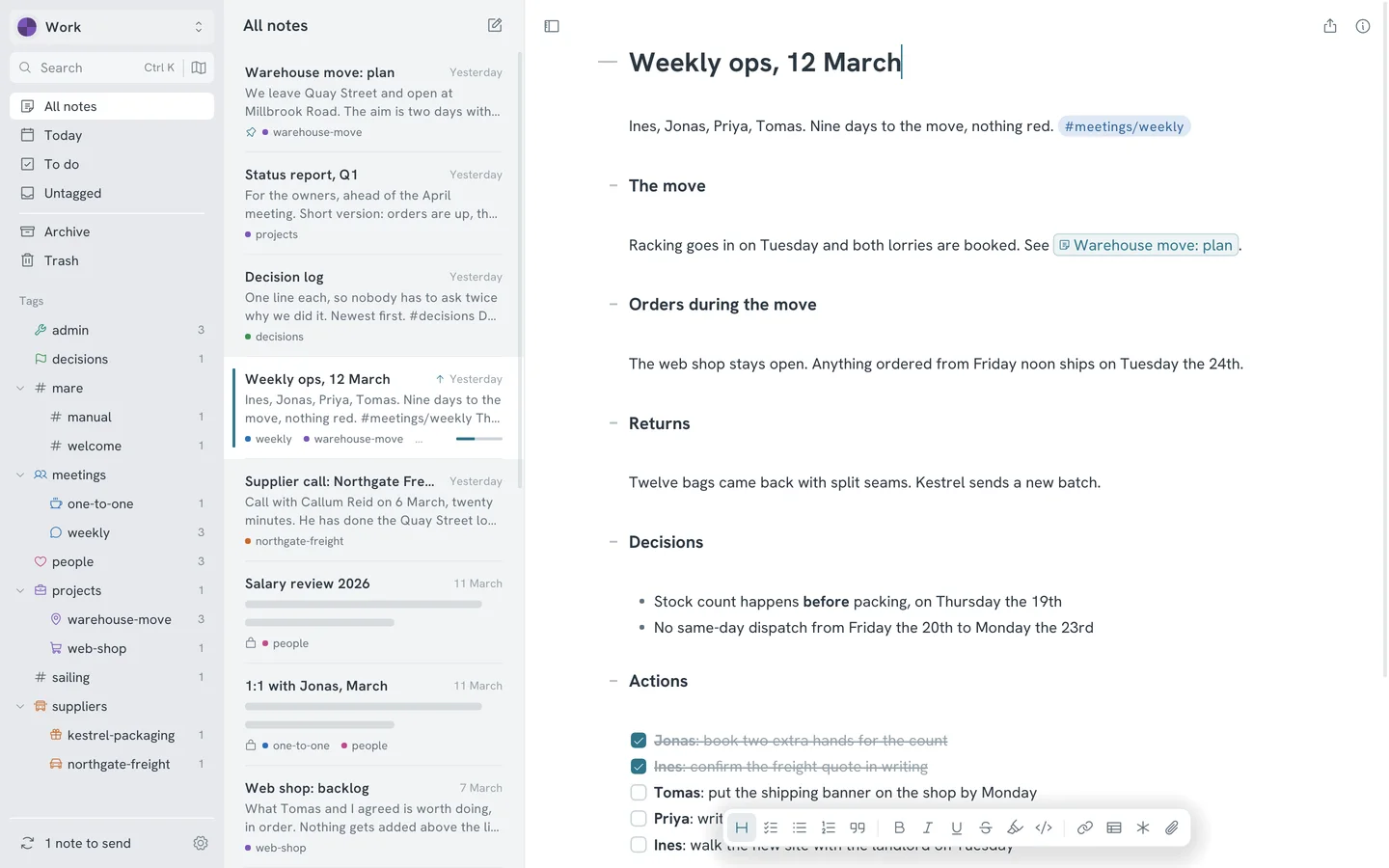
Mare for work: meetings, decisions and the week
A note per meeting, actions that all show up in one list, a project note everything links to and a lock on the notes about people. One way to run a working week in Mare.
Guide /
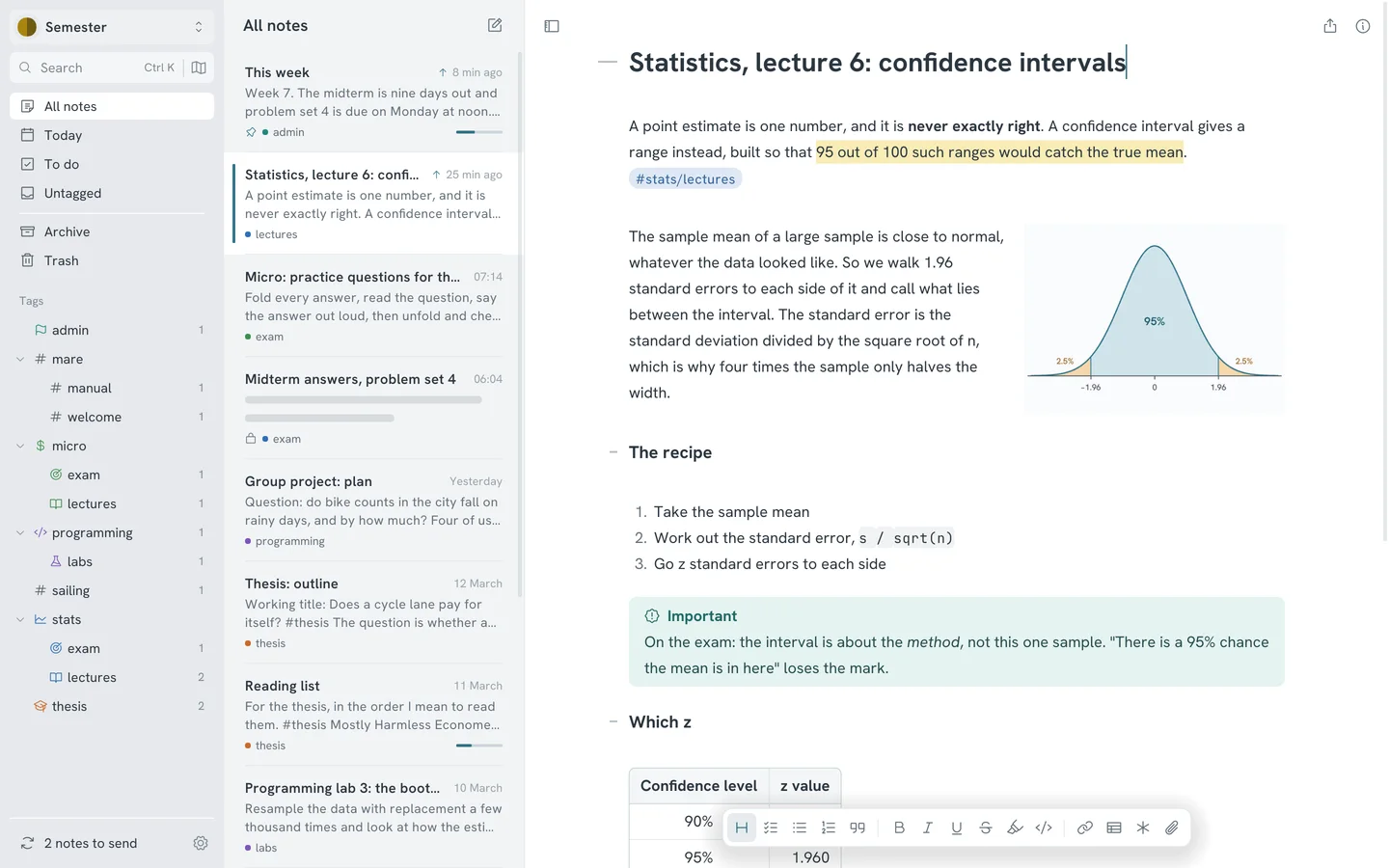
Mare for students: a semester in one workspace
A tag per course, a note per lecture, one note for the week and a lock on the answers. One way to set Mare up for a semester.