Mare
MareLogbook / Behind the app /
One Go codebase on five systems
How Mare draws its own interface, sleeps when nothing happens and runs the same code on Windows, Linux, macOS, iOS and Android.
Mare is written in Go, and nearly all of that code has no build tag. It's compiled into every build: the desktop program for Windows, Linux and macOS, and the apps for iPhone, iPad and Android. Here's how it fits together.
Eight calls draw everything
Mare doesn't use a UI toolkit. Every button, menu, dialog and scrollbar is Mare's own code, and all of it draws through one small interface:
type Canvas interface {
	FillRect(rect Rect, color Color, radius float32)
	StrokeRect(rect Rect, color Color, radius, thickness float32)
	Line(from, to Point, color Color, thickness float32)
	Stroke(points []Point, color Color, thickness float32, closed bool)
	Fill(points []Point, color Color)
	Image(texture Texture, destination, source Rect, tint Color)
	PushClip(rect Rect)
	PopClip()
}
On the desktop those calls go to a Dear ImGui draw list, in a window from GLFW, on OpenGL. That's all Dear ImGui does here. Mare uses none of its widgets, windows, layout or text.
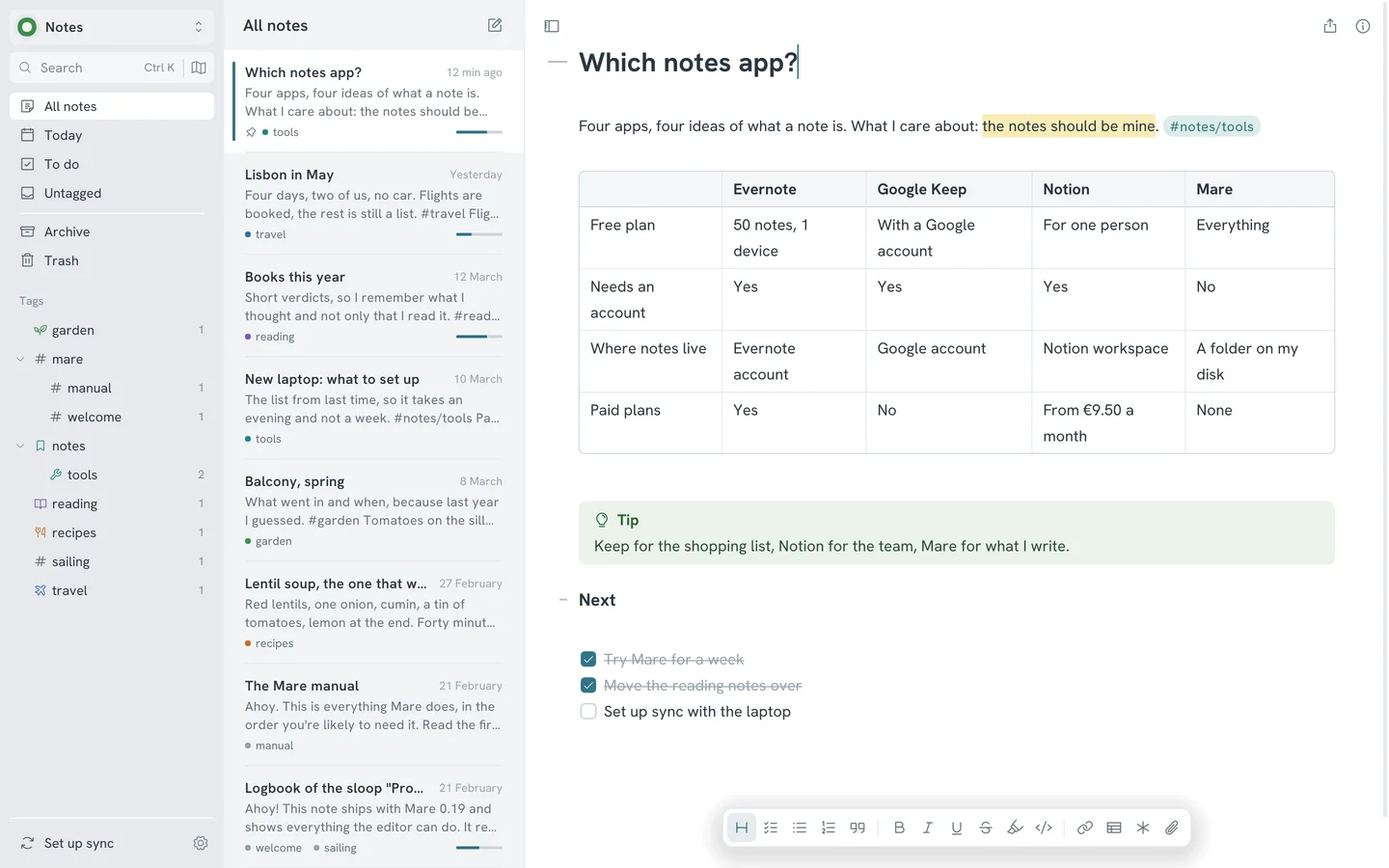
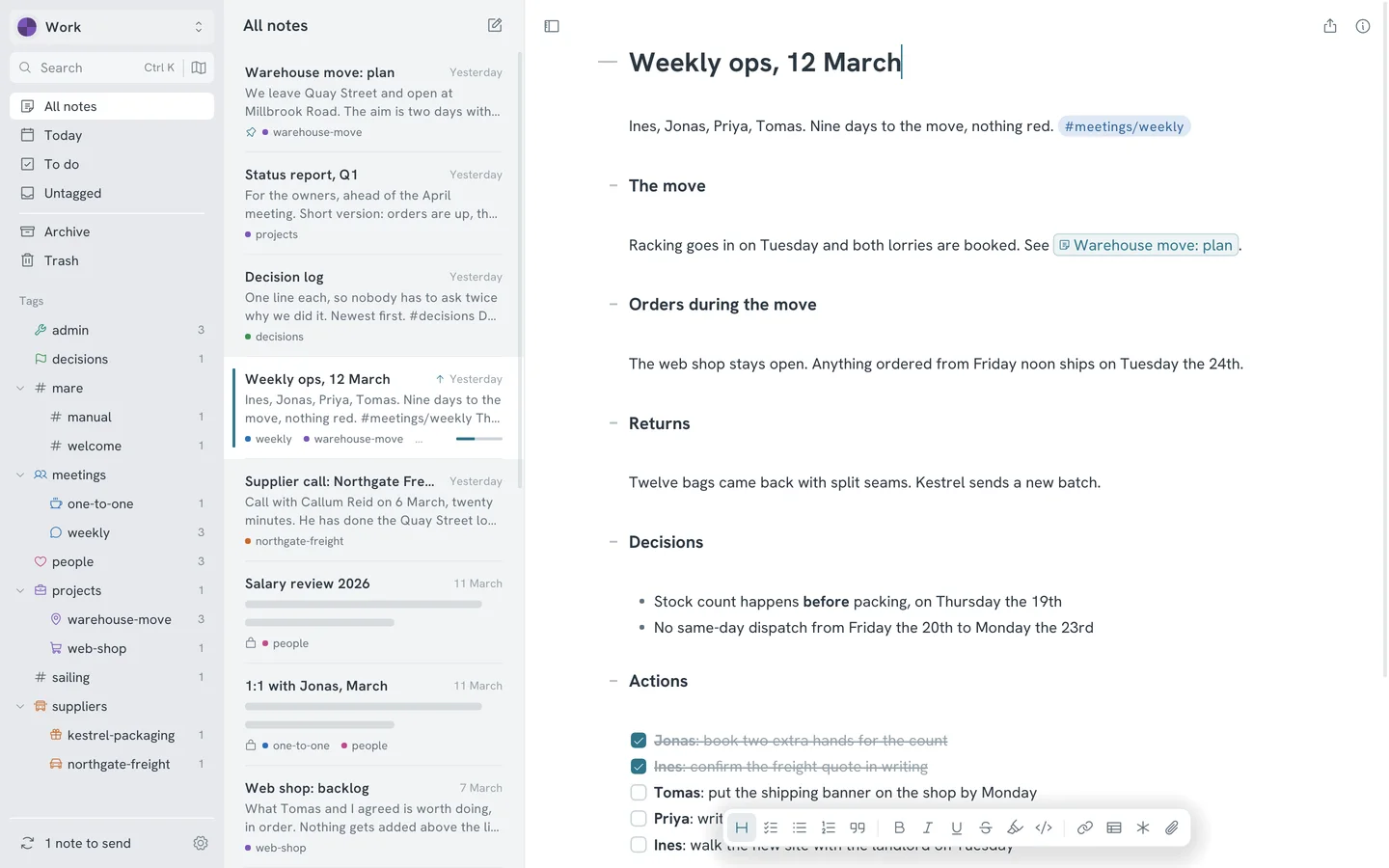
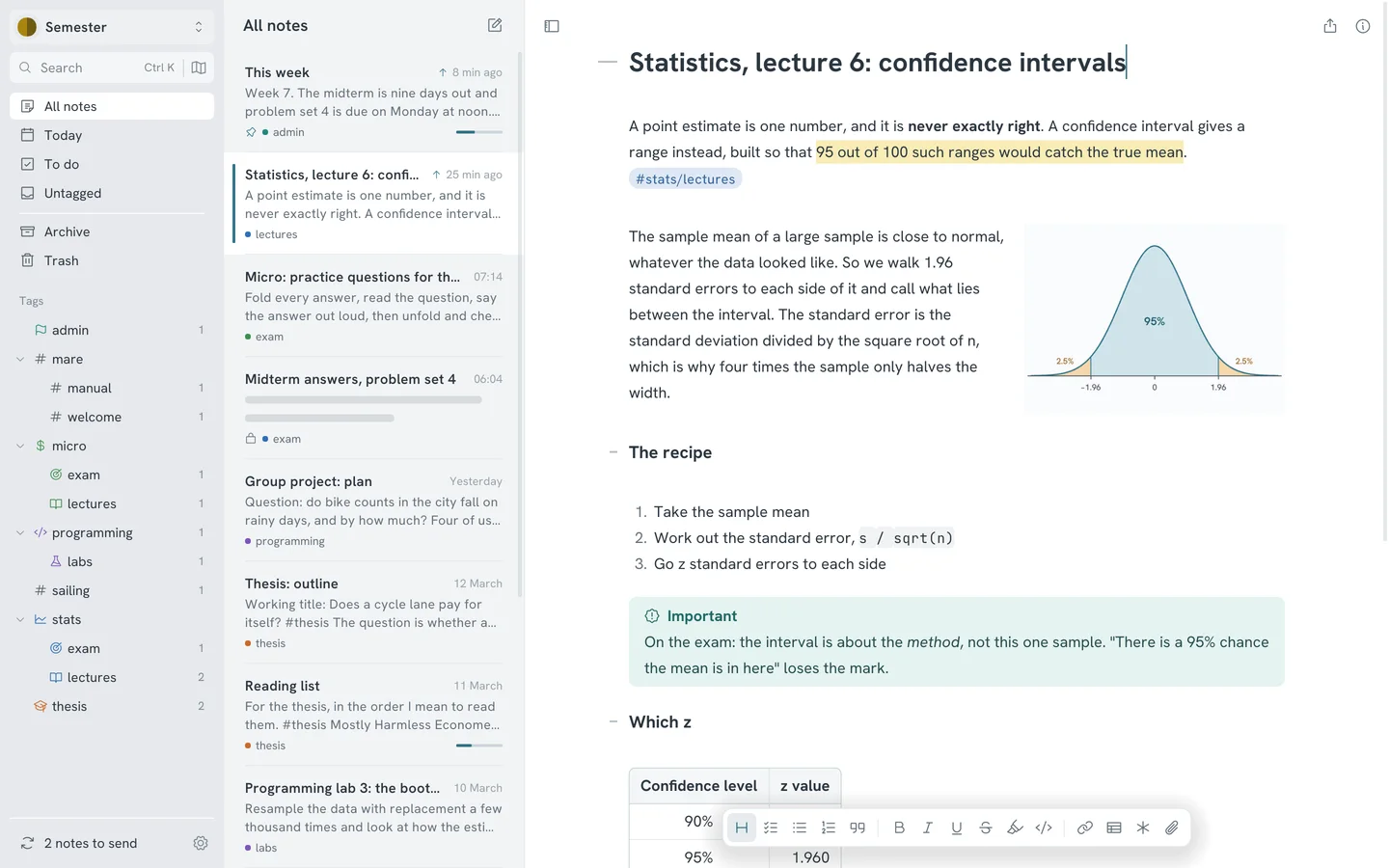
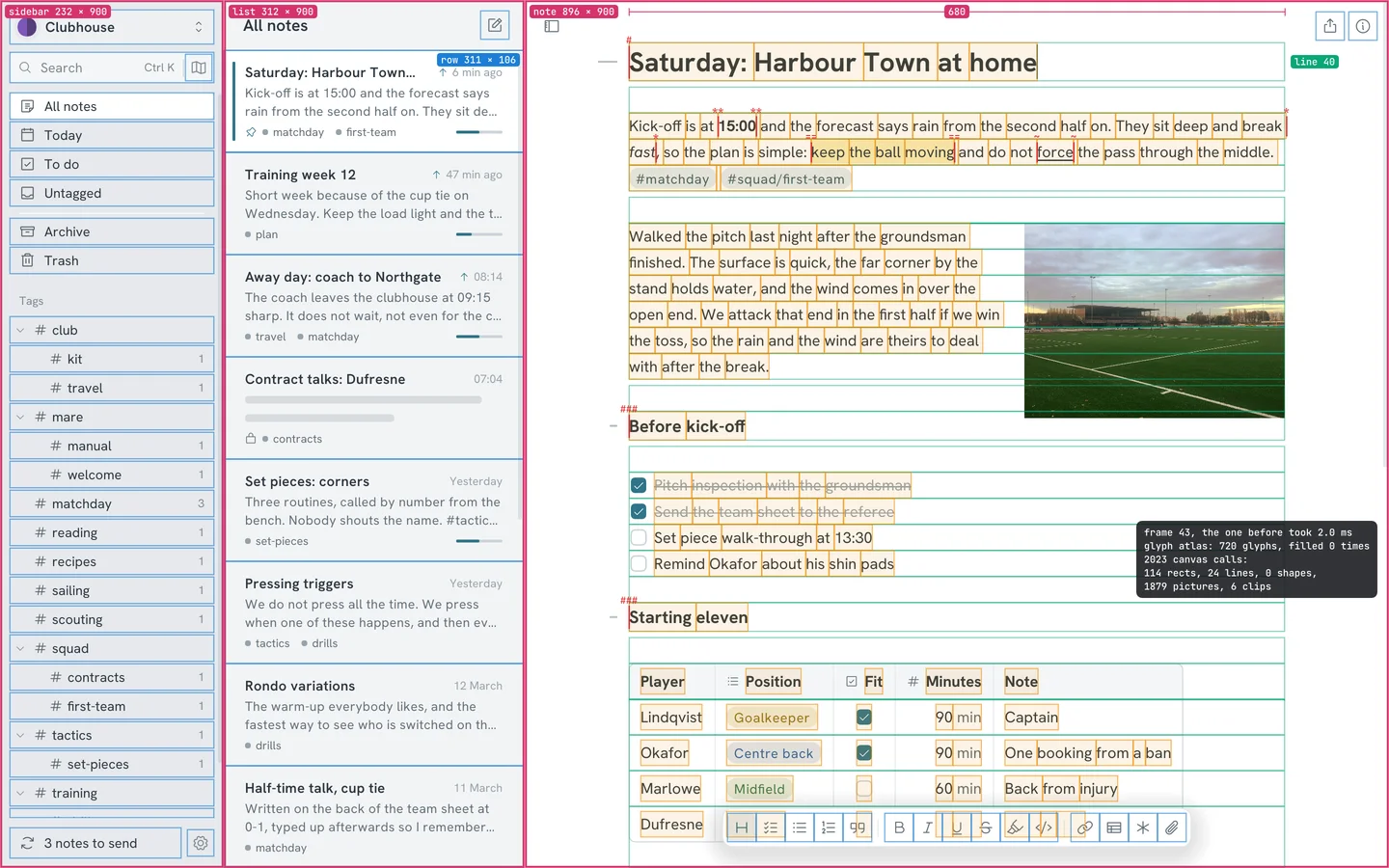
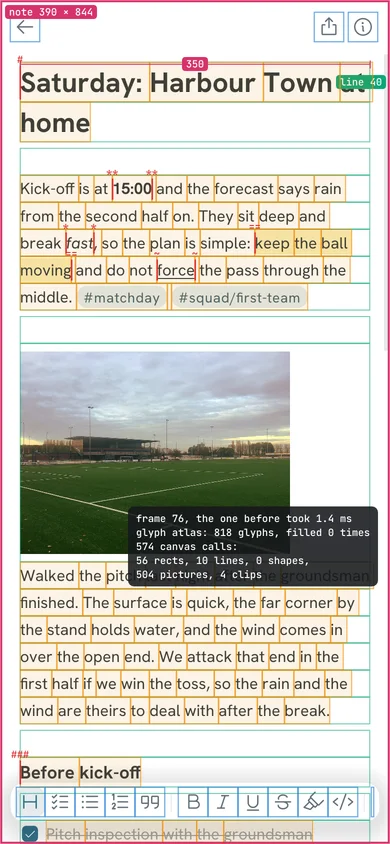
The picture at the top of this page shows Mare with the debug view from its diagnostics window turned on. Pink is a pane. Blue is anything you can click or hover. Green is a line of the note as the layout produced it. Orange is a fragment: the piece of a line that is shaped and drawn in one go. The dark box counts the canvas calls in one frame: 1,962 calls, of which 1,836 are images. Nearly all of those are glyphs, because every glyph is one Image call.
Why use those two at all? Because of what's under the window. Opening a window, getting a drawing surface and reading the mouse and keyboard all work differently on X11, Wayland, macOS and Windows, and that code is fragile when written by hand. GLFW already has it, and the Go binding for Dear ImGui includes both, prebuilt. Mare gets one window and one stream of input that behave the same on every desktop. Its own code goes into everything above that.
Only one package in the program imports the binding. The editor, the layout and the storage code never see it. That's why they're tested without a window, and why the drawing code could be swapped for another.
A second canvas for phones
The Go binding for Dear ImGui ships prebuilt libraries for the desktop only, with no Metal backend. Taking it to a phone would have meant forking it for the sake of eight calls. So there's a second, small implementation of the interface that turns the same calls into triangles: vertices, indices and a list of clip boxes and textures.
The phone apps aren't built with gomobile. The Go code compiles to a C library, and a small host app written by hand wraps it: Swift on a Metal layer for iOS, and Java with a little C on OpenGL ES 3 for Android. One short header is the whole contract between the two sides. Each frame, the Go code gives the host its triangles and tells it how long it can sleep. The Android app is built without Gradle: a script calls the compiler and the packaging tools directly.
Asleep until something happens
One function draws a frame on every system. At the end of a frame, the widgets report whether anything is still moving and when they next need a frame, if ever. A small pacer keeps two numbers: how many frames are still due, and the nearest deadline. While frames are due, the desktop loop draws them. Otherwise it blocks until an event arrives or the deadline passes. With no deadline, it waits an hour.
An input event ends the wait. So does a background goroutine that has finished its work: it sends its result on a channel and posts an empty event. On iOS the host pauses its display link for the same time, and on Android the view only renders on request.
Anything that needs a later frame asks for one. This is all the code for the blinking caret:
func (e *Editor) caretVisible(context *widget.Context) bool {
	elapsed := context.Now.Sub(e.touched)
	context.WakeAfter(blinkInterval - elapsed%blinkInterval)
	return (elapsed/blinkInterval)%2 == 0
}
The rest works the same way. Autosave asks for a wake-up 400 milliseconds after the last edit. Automatic sync has its own timer. The update check runs every six hours. Animations use no timer at all: they ask for another frame until they're done. In between, nothing is drawn.
Measured on the published Linux build: with a note showing and the caret somewhere else, Mare draws no frame and uses no CPU time at all for a full minute. While a caret blinks in the note, it draws 452 frames a minute. That's one change every 530 milliseconds, plus a few frames to settle after each.
Text without a toolkit
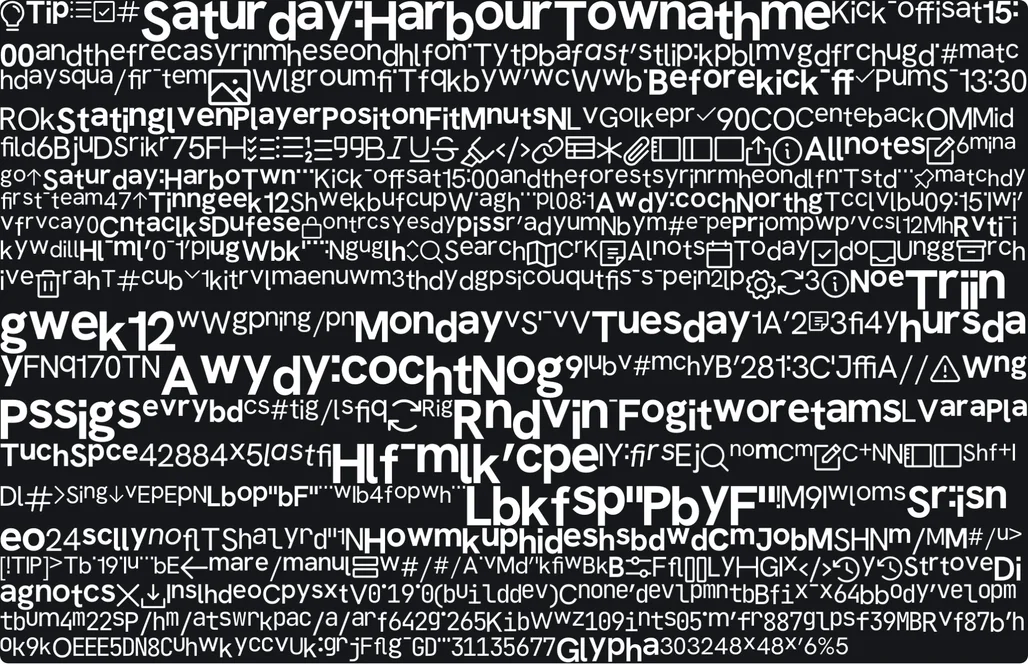
Mare shapes text in Go with go-text's port of HarfBuzz and rasterises it from the font's outlines. The glyphs go into one 2048 by 2048 atlas, which is cleared and refilled when it's full. The fonts are compiled in, so text looks the same everywhere and Mare never loads a system font.
The live markdown is simpler than it looks. The note is one flat byte buffer, and every edit runs a hand-written line classifier over all of it. A marker such as ** is hidden unless the selection touches the element it belongs to, and a hidden marker takes no width. In the picture at the top, the markers are the small red marks: the ** around a bold time, the == around a highlight. Moving the caret can show or hide markers, so Mare lays the note out again from the top. Shaped words are cached, and that keeps it fast.
The system keyboard on a phone
A phone keyboard needs to read and change the text itself, for autocorrect, dictation and suggestions. The editor gives it access through a session that uses UTF-16 offsets, as both systems do. On iOS the view adopts UITextInput, and the caret, the selection handles and the cut, copy and paste menu are the system's own. On Android the session is an InputConnection. Android gives a custom view no selection handles, so Mare draws them there.
The surprise on the iPad was how slow it is to tell the system that the text changed: 40 to 145 milliseconds, measured on one iPad Pro. That's many frames. So Mare only tells the system what it couldn't have predicted, such as a switch to another note or a paste. During a scroll, a transform moves the system's caret and handles along. Mare tells the system once the scroll has stopped.
What a toolkit would have provided
Without a toolkit there's no file dialog, so Mare asks the system for one by running a small program: osascript on macOS, PowerShell on Windows, and on Linux the desktop portal with zenity or kdialog as the fallback. Clipboard pictures, the light or dark setting and opening a link work the same way. There are few build tags. Most of these differences are a switch on the system's name inside shared code, and on phones a hook the host fills in.
Every system needs cgo, but only for the window, OpenGL and the Dear ImGui binding. SQLite is a pure-Go translation. That had its own cost. On an Intel Android emulator the translated code makes a few old system calls that Android refuses, and Android stopped the app at the first one. A signal handler now catches each call and runs its modern equivalent. ARM devices never needed it.
Sync through anything that can hold a file
A workspace is a git repository. With a git remote, sync is a pull and a push. Everything else (a folder, an SFTP server, an S3 bucket or Google Drive) only has to implement this:
// Store is a place to keep a workspace's history as a set of files. It is deliberately small:
// anything that can list files, read one and create one that is not there yet can carry a workspace.
// Create must fail with ErrExists when the name is taken, because that is what settles which of
// two machines got there first.
type Store interface {
	List(ctx context.Context) ([]string, error)
	Read(ctx context.Context, name string) ([]byte, error)
	Create(ctx context.Context, name string, content []byte) error
	Close() error
}
Each sync adds one numbered git bundle holding the new commits. If two computers sync at the same moment, both try to create the same number, and the storage decides which was first. A folder does it with a hard link, S3 with a conditional write. Google Drive allows two files with the same name. So on Drive each workspace reserves file IDs in advance, and bundle number N must be created under the ID reserved for N. Mare talks to S3 and Drive over plain HTTP, without their SDKs.
On the desktop, Mare runs the git program. A phone has no git, so there Mare's git commands run in-process on go-git, with a line-based three-way merge written for it. One file needs special care. The small SQLite database with pins, archive state and picture sizes is committed, and git can't merge a binary file. Mare merges it row by row and column by column. If both sides changed the same value, the later one wins.
Bugs we learned from
Two computers traded merge commits for ever. A sync always made a merge commit, even when the computer had nothing new to add. The other one then had to pull that in and merge it, and so on. The fix was to check first:
// With nothing of its own to add, the branch just moves forward. A merge commit here would be
// new work for the other machines to fetch and merge in turn, and two machines would hand such
// commits back and forth for ever.
if _, behind := r.Run("merge-base", "--is-ancestor", "HEAD", r.upstream()); behind == nil {
	_, err = r.Run("merge", "--ff-only", r.upstream())
	return err == nil, err
}
Notes nobody had edited were different. The manual that comes with every workspace had the full version number in it. Two devices on different builds of the same release wrote different text into the same note, and sync found a conflict. It now has only the release number.
Keychains accepted a secret and dropped it. Mare gave storage keys to the system keychain under their own kind of address. The macOS and Windows keychains only keep passwords for kinds they know, such as https, and silently discard the rest. Mare now stores secrets as https passwords for a made-up host and reads each one back right after saving, so a dropped secret shows up at once.
Textures vanished on Android. Android takes the drawing surface away from an app that has been in the background for a long time, and the glyph atlas goes with it. On Android, the Go code now keeps a copy of every texture and uploads them all again when the surface comes back. Metal keeps its textures, so iOS needed no fix.
What it costs
The Linux program is 54 MB, and about 27 MB as the archive you download. The colour emoji font alone is nearly 11 MB of that. Started on a computer that has run it before, it shows the open note in about 170 to 290 milliseconds, depending on the graphics driver. GitHub Actions builds the releases on a runner per system, with no cross-compiling, and every push to the main branch becomes a release. The app reads a small release list at start and every six hours. If there's a newer build, the app downloads it, checks it against the published SHA-256 and replaces itself.
In return, Go gave us one language from the SQLite driver to the text shaper, and goroutines for everything that waits on a disk or a network. The second and third systems needed a new host and a new canvas, and no changes to the editor.