Mare
MareLogbook / Comparison /
Evernote, Google Keep, Notion or Mare: which one fits you
Four notes apps built on four different ideas. What each costs, where your notes end up, and why we think a notebook should belong to the person writing in it.
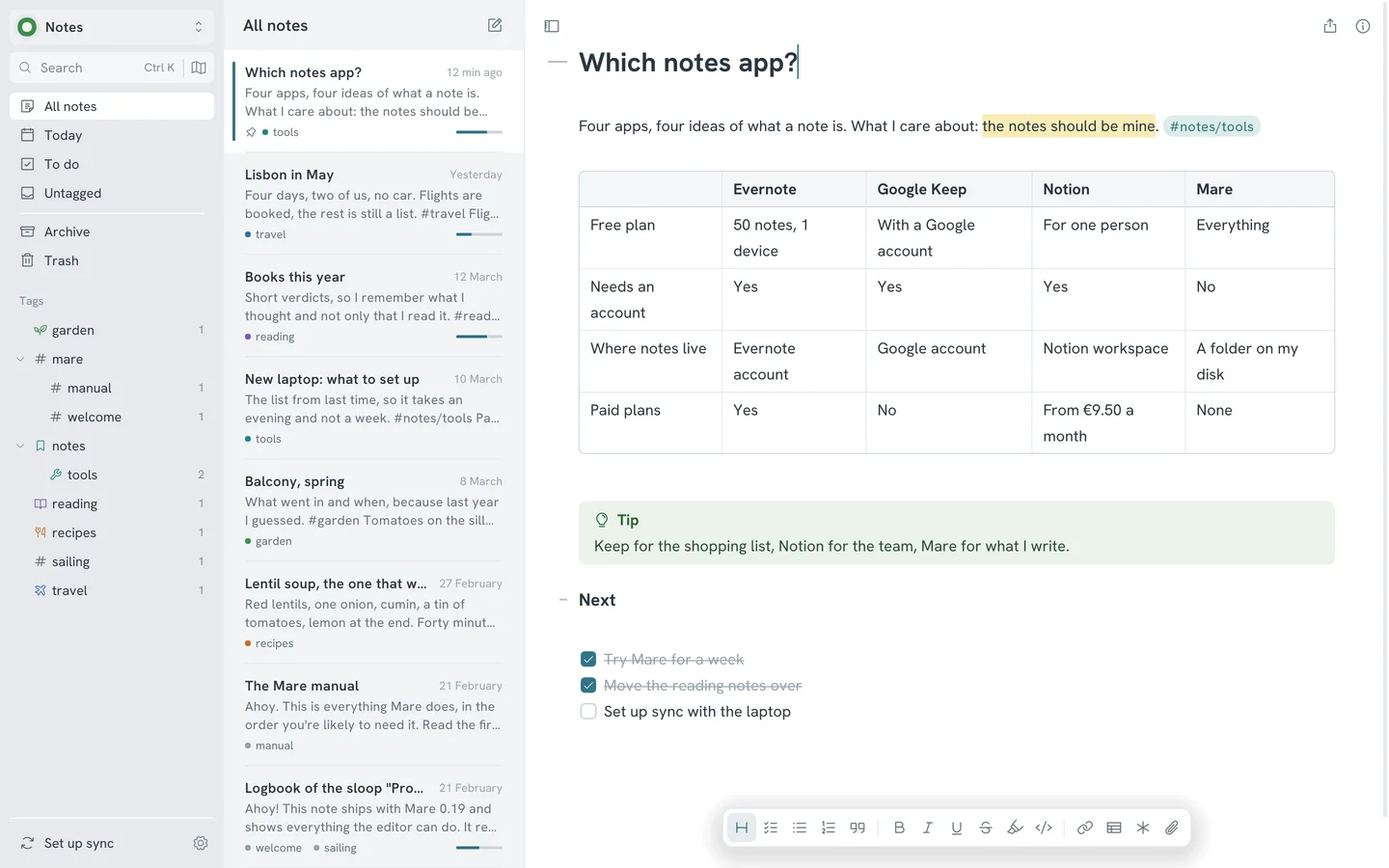
These four are all called notes apps, and they agree on very little. Google Keep is a stack of sticky notes. Evernote is a filing cabinet with a meter on it. Notion is an office. Mare is a notebook that stays in your own bag.
We make Mare, so you know where this is going. The facts about the other three come from their own websites. The opinions are ours.
The short version
| Evernote | Google Keep | Notion | Mare | |
|---|---|---|---|---|
| Best at | A long-lived archive of everything you collect | Quick notes, lists and reminders on a phone | A shared workspace for a team: pages, databases, wikis | Writing and keeping notes that stay yours |
| Runs on | iOS, Android, web, Windows and Mac | Phone, computer and smartwatch, through your Google account | Web, desktop and mobile apps | Windows, Linux, macOS, iPhone, iPad and Android. On phones you install it from TestFlight or an APK for now |
| Free plan | 50 notes, 1 notebook, sync on 1 device | Comes with a Google account | Free for one person, with 5 MB per upload and 7 days of page history | Everything, without limits |
| Paid plans | Starter and Advanced, for more notes and devices | None for Keep itself | From €9.50 per member a month | None |
| Where notes are stored | In your Evernote account | In your Google account | In your Notion workspace | As markdown files in a folder on your own disk |
| Account needed | Yes | Yes, a Google account | Yes | No |
The facts about the other three come from their own websites, evernote.com, workspace.google.com and notion.com, and were checked in October 2026. Plans and prices change, so check there for the latest.
Google Keep, for quick notes on your phone
Keep is good at one thing: the note you need in ten seconds. A door code, a shopping list your partner ticks off from the other aisle, a reminder at six o'clock. It comes with your Google account and there's nothing to set up.
Then you try to write something. Keep is built for short notes, and it shows. You organise with labels (fifty at most), colours and pins, and that's all. To get notes out, you export them to Google Docs or download your Google data. Every note stays in your Google account for as long as you have it. Keep is a fine pocket. It isn't a place to keep what you think.
Notion, for teams
Notion is where a company puts its wiki, its project boards and its meeting notes, with everyone editing the same page at once and databases that turn a list into a calendar. If that's the job, use Notion. Mare does none of it.
For one person who wants to write, it's an office you have to furnish before the first sentence. Your pages are stored in a Notion workspace, not on your disk. To read a page offline, you pick it for download beforehand. The free plan keeps seven days of page history. For more you need a paid plan, from €9.50 per member a month.
Evernote, if you're already there
Evernote has been collecting people's notes for longer than most apps have existed. If you have ten years in it and it still works for you, stay.
Starting today is a different story. The free plan holds 50 notes in one notebook and syncs to one device. That's a trial, and the real product is a subscription. Evernote has apps for iOS, Android, Windows and Mac, so on Linux you use the browser. You're paying rent on your own notes, and they stay in the landlord's building.
Mare, if you want to own your notes
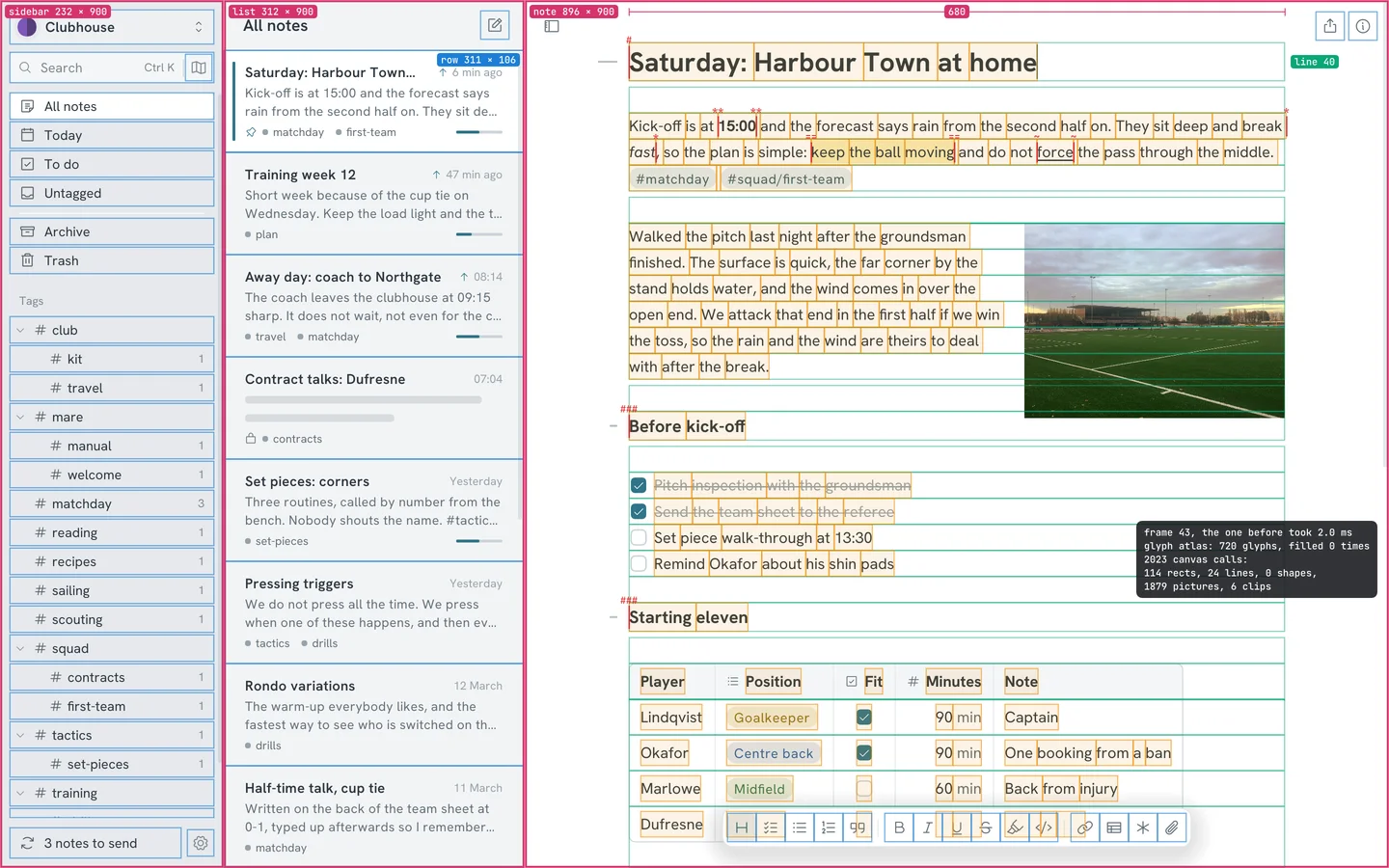
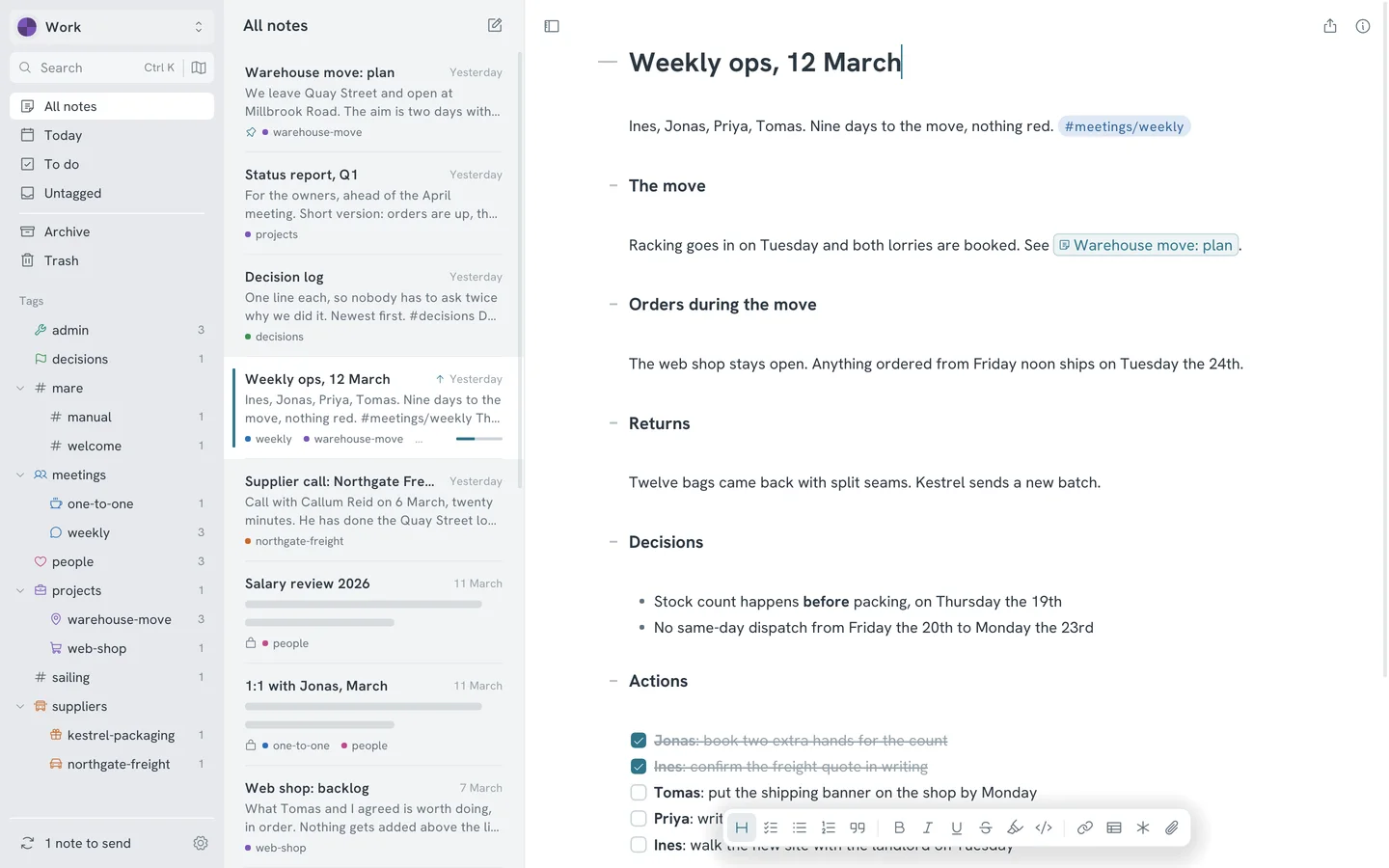
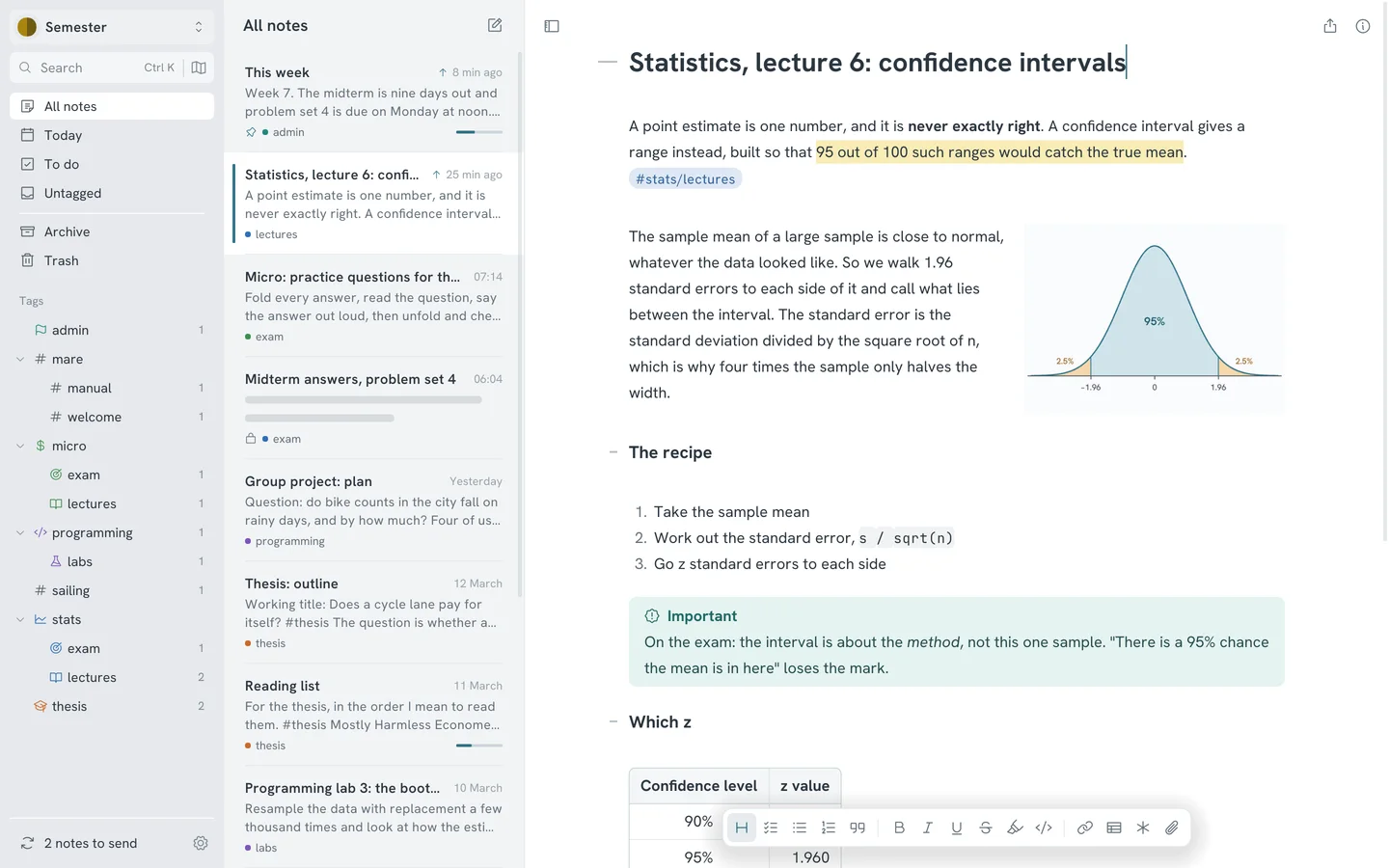
Mare starts from the other end. Every note is a plain markdown file in a folder on your own disk. The editor styles markdown as you type and hides the markers. You file a note by typing a tag, and link notes to each other with [[. Tables, todos, code, diagrams and pictures all go in the same note.
It's free. Not free for fifty notes, or free for seven days of history. All of it is free, for as many notes as your disk holds, and you don't need an account.
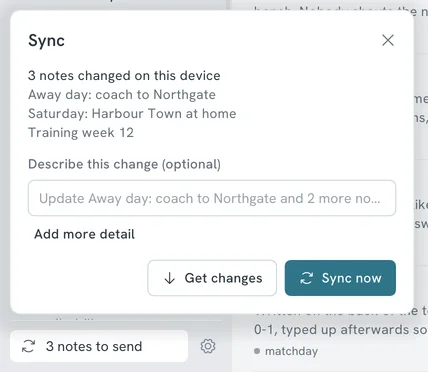
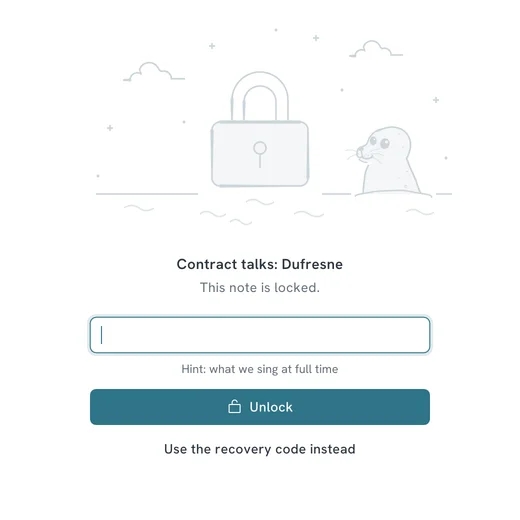
Sync is built in, and you choose where your notes go: your own Google Drive, a git repository, a folder, an SFTP server or an S3 bucket. Every sync keeps the previous version of each note, for good, so you can see what changed and restore an old one. You can lock a note you'd rather nobody read. Mare then stores it encrypted wherever it goes.
And if you stop using Mare, nothing happens. The files stay where they are and open in any text editor. None of the other three can say that.
Privacy
With the other three, the company keeps your notes on its servers, under its privacy policy. That's how they sync, share and search. Each of them explains what it does with that data.
Mare has no server and no account, so the question doesn't come up. Your notes go from your computer to the storage you chose and nowhere else. The app has no analytics, no telemetry and no crash reports. It doesn't tell anyone that you installed it or what you write. Nobody behind Mare can read your notes, lose them in a breach or sell them, because the notes never get there.
It all fits on one page, the privacy policy. It's short because there's little to say.
What Mare doesn't do
Mare for iPhone, iPad and Android isn't in the App Store or Google Play yet. You install it from TestFlight or as an APK. Mare doesn't run in a browser. Two people can't type in the same note at the same moment. That's what Notion is for. Mare is a notebook for one person, or for a few who sync, and we want it to be very good at that.